
The IPTV player for Samsung and LG smart TVs
The Samsung (Tizen) and LG (webOS) apps are built and awaiting store approval. Today, use it with any Android TV box or Fire TV connected to the TV.
Android · Version 0.9.9.96 · 7,3 MB
- 4.810 ratings
- 758downloads
- 8platforms
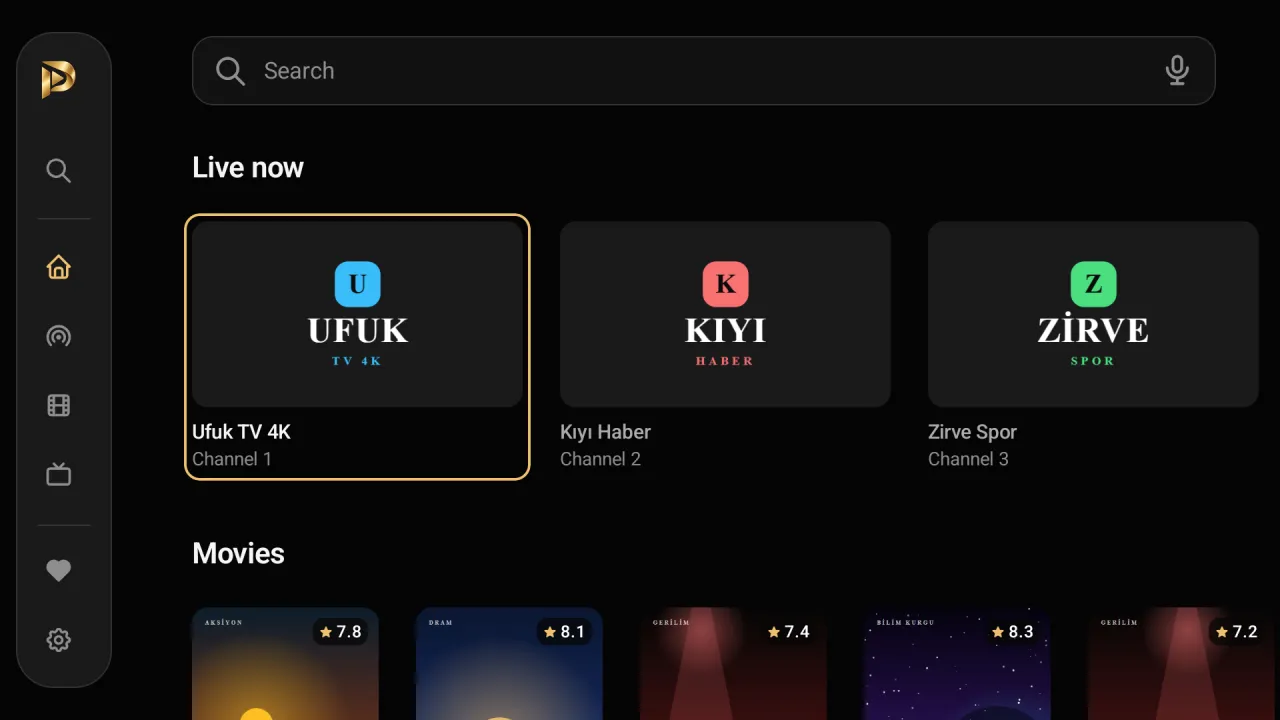
Premium Player for Samsung and LG Smart TV
Your list, in a tidy, fast interface.
- LG webOS and Samsung Tizen
- A package for each; coming soon to their stores.
- Made for the remote
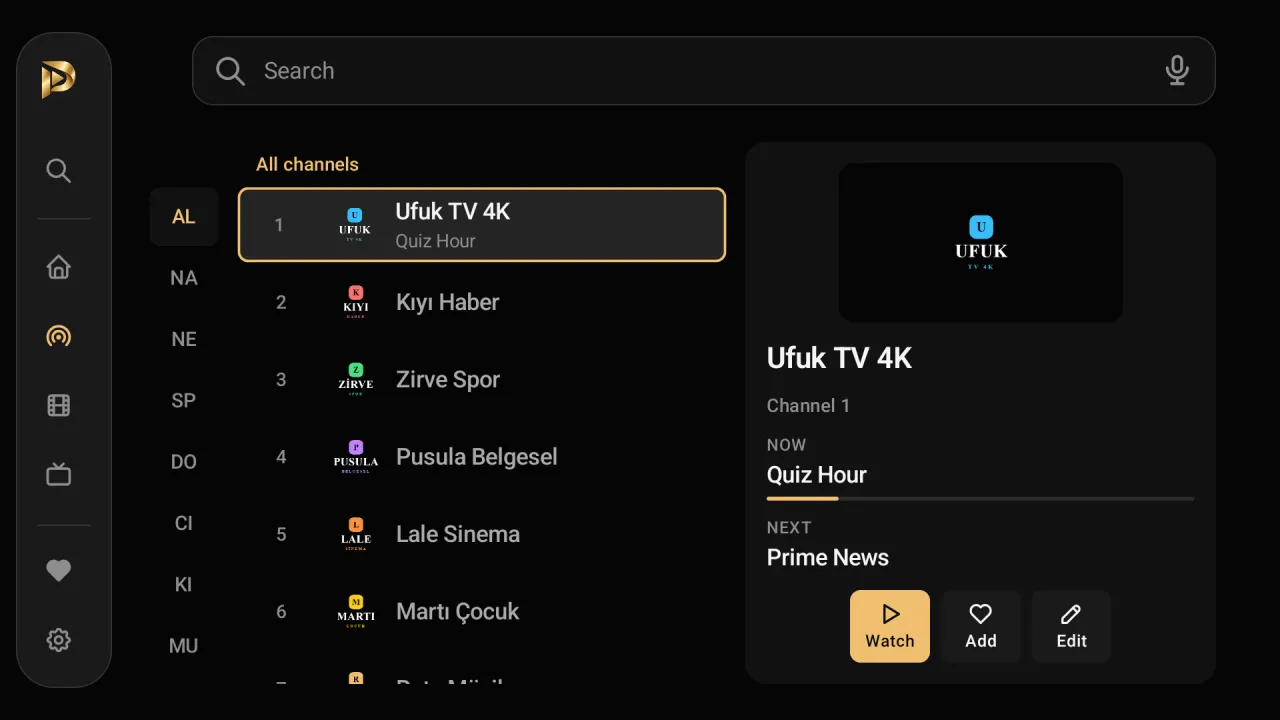
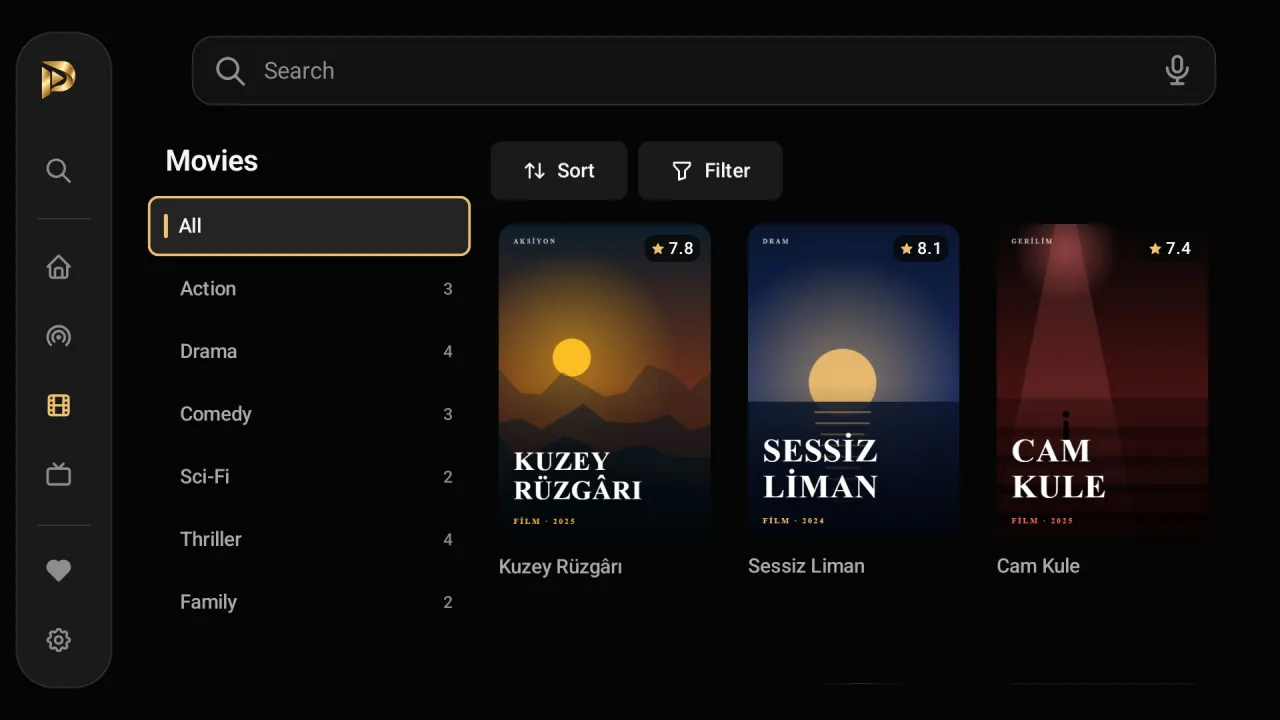
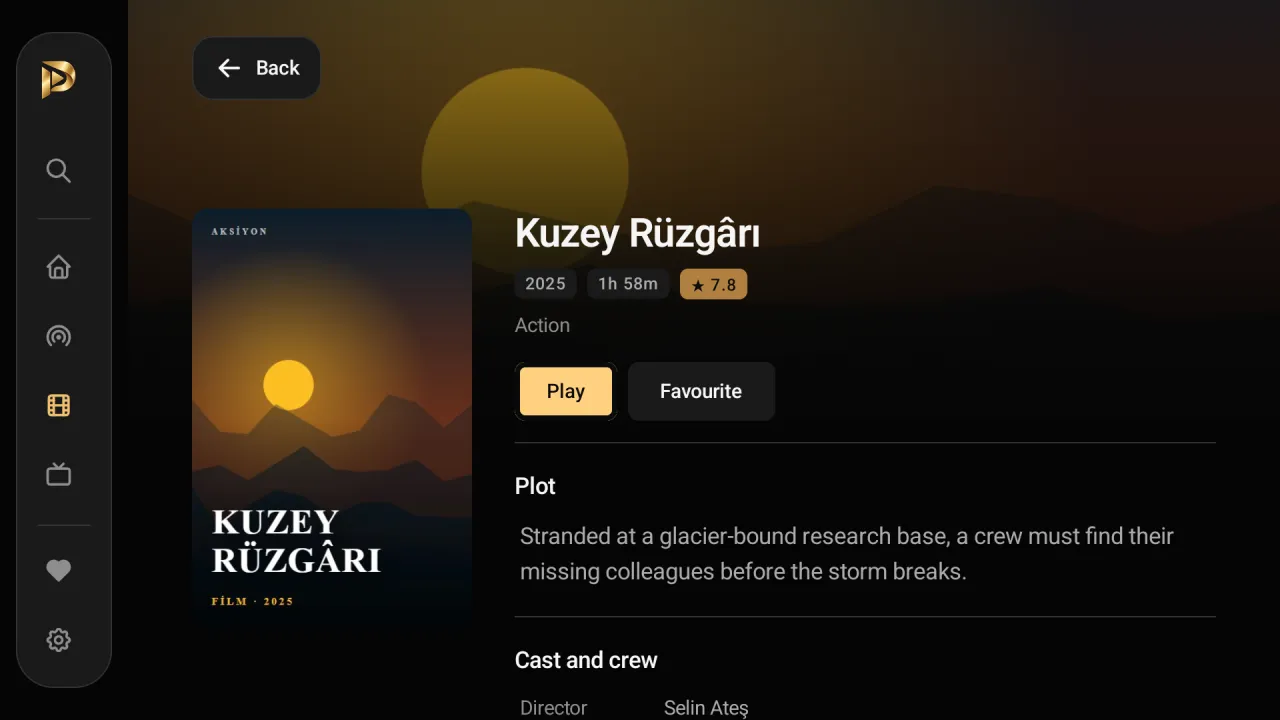
- Live TV, guide, films, series, favourites and search.
- TV guide (EPG)
- Day by day; what is on now and next.
- Add your list from your phone
- Scan the QR code on screen, send it from preplay.cc/tv.
- M3U and Xtream Codes
- Your provider's playlist or Xtream details.
- Today: on any Android TV box
- Mi Box, Fire TV Stick, Google TV or any other box.
Setup
Connect a TV box or stick
Until the store versions are out, connect any Android TV box or TV stick to your Samsung or LG TV (for example Mi Box, Fire TV Stick, Chromecast with Google TV).
Install with Downloader
On that device, open Downloader, type preplay.cc/apk (or the code 4679692) and install the downloaded file.
Add your list from your phone
Premium Player shows a QR and a device code on its first screen; open preplay.cc/tv on your phone and send your list.
Once the store version is out
Search for Premium Player in the LG Content Store or the Samsung TV app store and install it on the TV itself.
Frequently asked questions
When is it coming to Samsung Smart TVs (Tizen)?
The Tizen app is built; Samsung's partnership approval is pending, after which it goes to the Samsung TV app store. The date depends on Samsung's review; this page will say when it is out.
When is it coming to LG Smart TVs (webOS)?
The webOS app is built and was tried on a real TV in LG's test lab; the LG Content Store application is under way. The first version is for webOS 25 and later, that is, LG TVs from 2025 on.
What does the smart TV app do?
The same interface as the Android TV version, fully usable with the remote: live TV, TV guide (EPG), films, series, favourites and search; in English, German and Turkish; light and dark theme. It works with M3U playlists and Xtream Codes.
How do I watch on a Samsung or LG TV now?
With any Android TV box or TV stick connected to the TV (for example Mi Box, Fire TV Stick): install Premium Player with Downloader from preplay.cc/apk and add your list from your phone at preplay.cc/tv.
Can the Android app be installed on a Samsung or LG TV?
No. Samsung (Tizen) and LG (webOS) TVs are not Android, so the APK cannot be installed on them. Separate smart TV apps for them are awaiting store approval.
Is it free?
Yes, Premium Player is free and needs no account. It contains no channels; you add the list from your own IPTV provider.
On other devices
Premium Player is only a player; it contains and sells no channels, films or series. You add the details from your own IPTV provider.