
The IPTV player for iPhone and iPad
The Premium Player app for iPhone and iPad is being prepared for the App Store. Today you can use the same interface in Safari, in the web player that needs no installation; added to the home screen, it opens like an app.
Web · Nothing to install, opens in your browser
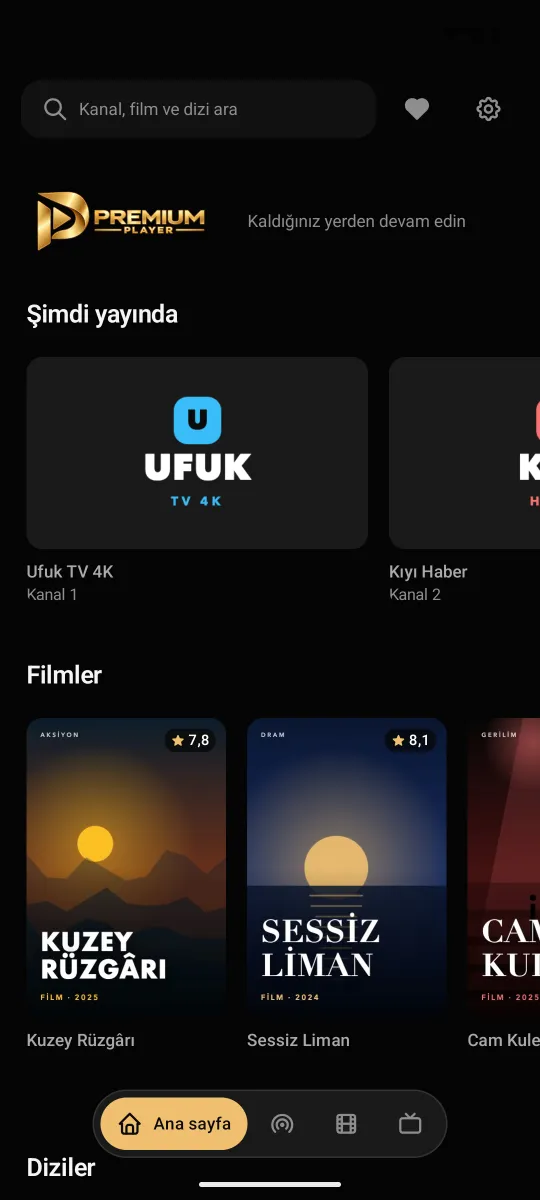

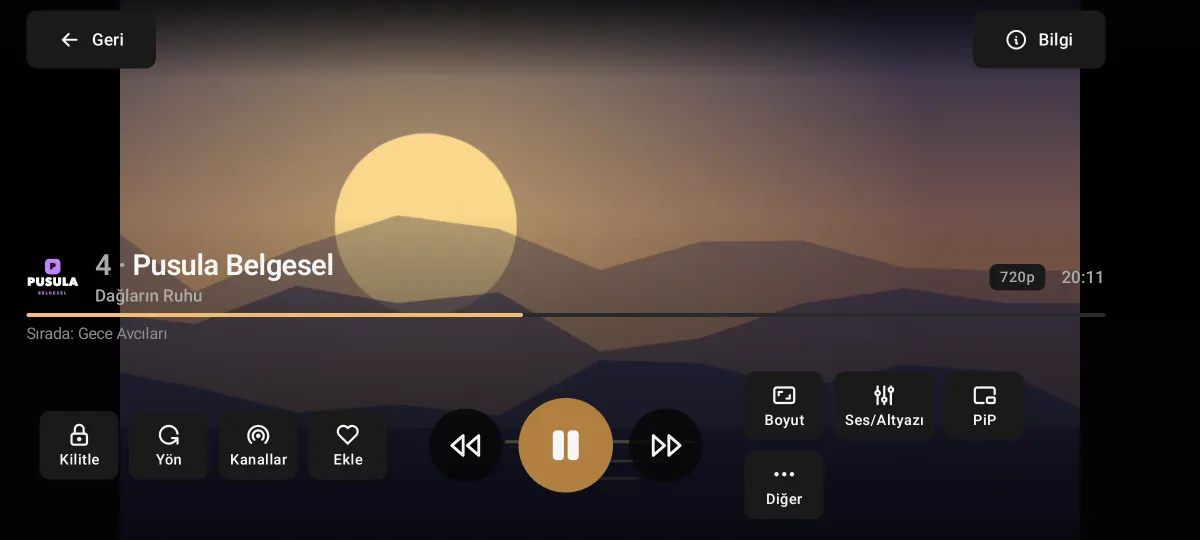
Premium Player for iPhone and iPad
It opens your IPTV provider's list in a tidy, fast and easy-to-browse interface.
- In Safari today
- The web player runs in Safari on iPhone and iPad; nothing to install.
- Add it to the home screen
- In Safari, Share › Add to Home Screen opens it like an app.
- Live TV and guide
- Channels, categories and the TV guide day by day.
- Films and series
- Poster catalogue, continue watching, next episode.
- Made for touch
- Screens laid out for touch on phones and tablets.
- App Store version on its way
- When the app is out, the button on this page will take you straight to the App Store.
Setup
Open the web player
Open the web player in Safari with the button on this page.
Add it to the home screen
If you like, use Share › Add to Home Screen to use it like an app.
Add your list
Choose "Add Xtream Codes" or "Add M3U playlist" and enter your provider's details.
Frequently asked questions
When will it be on the App Store?
The app is being prepared; when it is out you will be able to go straight to the App Store from this page and the home page.
How do I use it on the iPhone now?
Open the web player in Safari and add your list. It does not work in a private window, because the lists are kept in the browser's storage.
Does every IPTV provider open in the browser?
Most do. Some providers do not allow connections from a browser; the web player notices this and tells you. Then the app version is needed.
On other devices
Premium Player is only a player; it contains and sells no channels, films or series. You add the details from your own IPTV provider.