
The IPTV player for Android phones and tablets
On Android phones and tablets, Premium Player opens your IPTV list in an interface made for touch: live TV, a TV guide, a film and series catalogue, picture-in-picture and a mini player.
Android · Version 0.9.9.8 · 6,7 MB
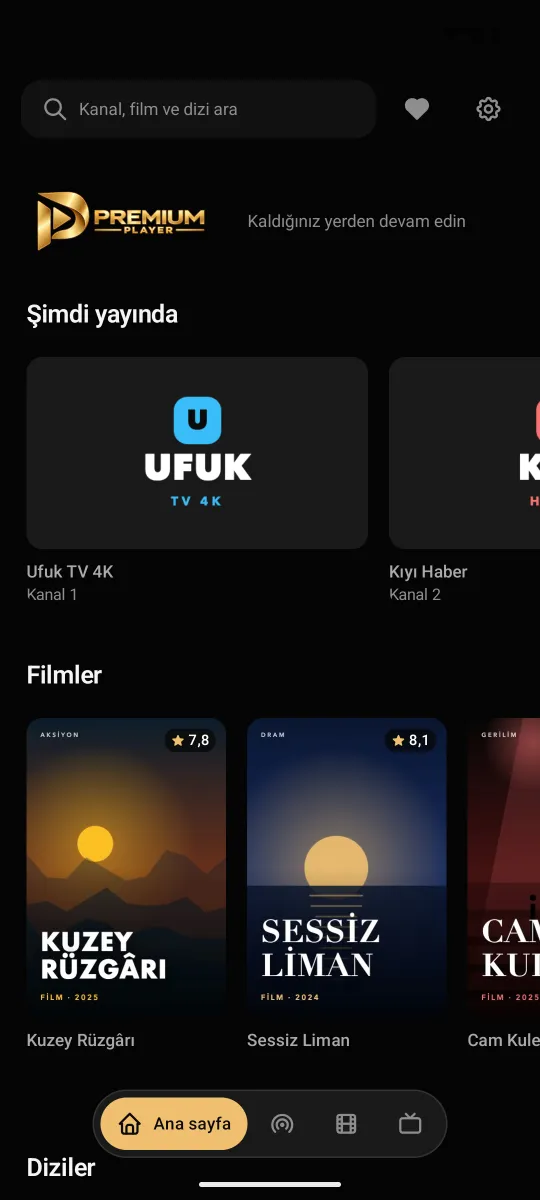
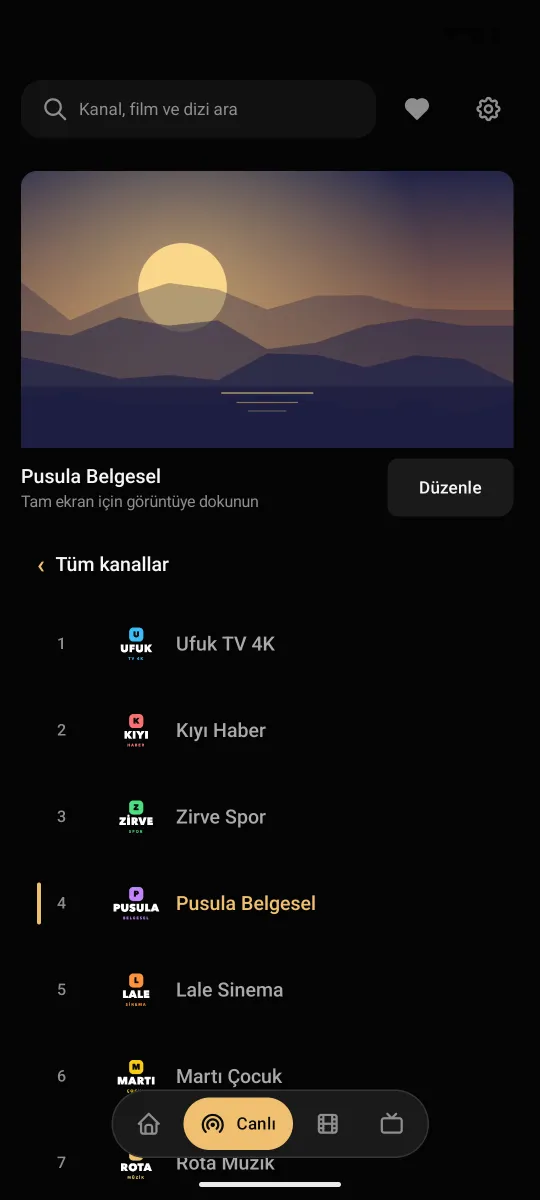
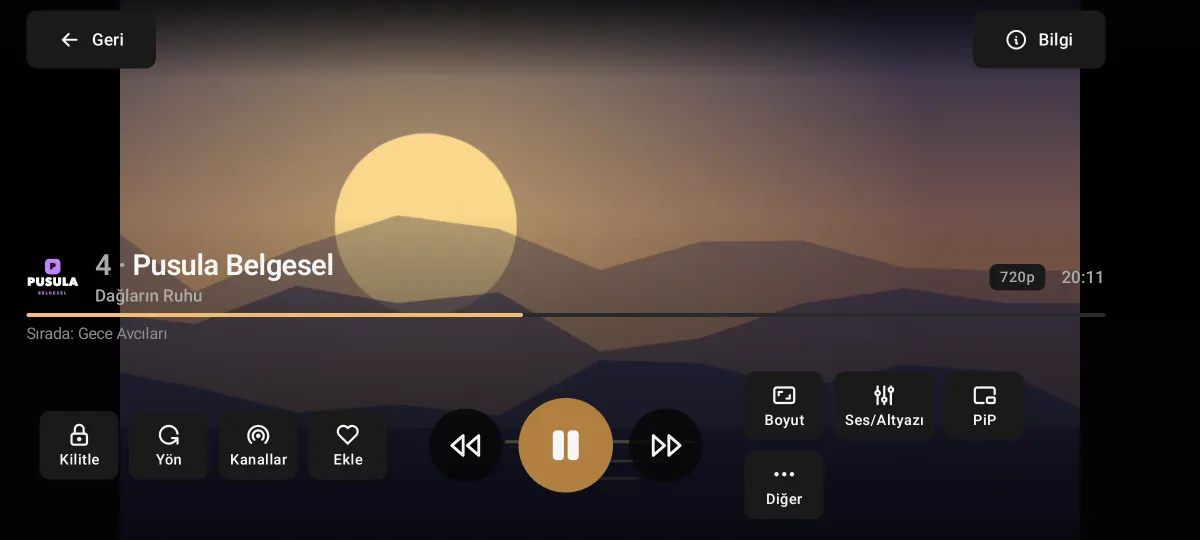
Premium Player for Android
It opens your IPTV provider's list in a tidy, fast and easy-to-browse interface.
- List in portrait, full screen in landscape
- Watch with the channel list in portrait; turn the phone and the stream goes full screen.
- Picture-in-picture
- The stream keeps playing in a small window while you use another app.
- Mini player
- Shrink the stream into a corner and keep browsing the app.
- Search everywhere
- Search channels, films, series and programmes across all your sources at once.
- TV guide and reminders
- Set a reminder for a later programme; a notification comes when it starts and opens the channel.
- Sleep timer
- Playback stops when the time is up; tap the badge in the last minute to extend it.
Setup
Download
Tap the download button on this page; the APK file is downloaded.
Install
Open the downloaded file; if asked, allow your browser to install unknown apps.
Add your list
Open Premium Player and choose "Add Xtream Codes" or "Add M3U playlist".
Frequently asked questions
Which Android versions are supported?
Phones and tablets with Android 6.0 or later.
Is it on Google Play?
For now you download Premium Player as an APK from preplay.cc; the store versions are on their way. The app tells you about new versions itself.
Can I switch to another app while watching?
Yes. With picture-in-picture the stream keeps playing in a small window; inside the app you can keep browsing with the mini player.
Can I send my list to the TV?
Yes. With "Send to another device" under Settings › Sources you send your list to Premium Player on the TV.
On other devices
Premium Player is only a player; it contains and sells no channels, films or series. You add the details from your own IPTV provider.