
The IPTV player for TV, phone and computer
Premium Player is a free IPTV player for Android TV, iPhone, iPad, Android, Mac, Windows, Linux and the web browser. It opens your Xtream Codes or M3U list with live TV, a TV guide and a film and series catalogue, in an interface made for the remote.
Android · Version 0.9.9.8 · 6,7 MB · 16 Ekim 2026
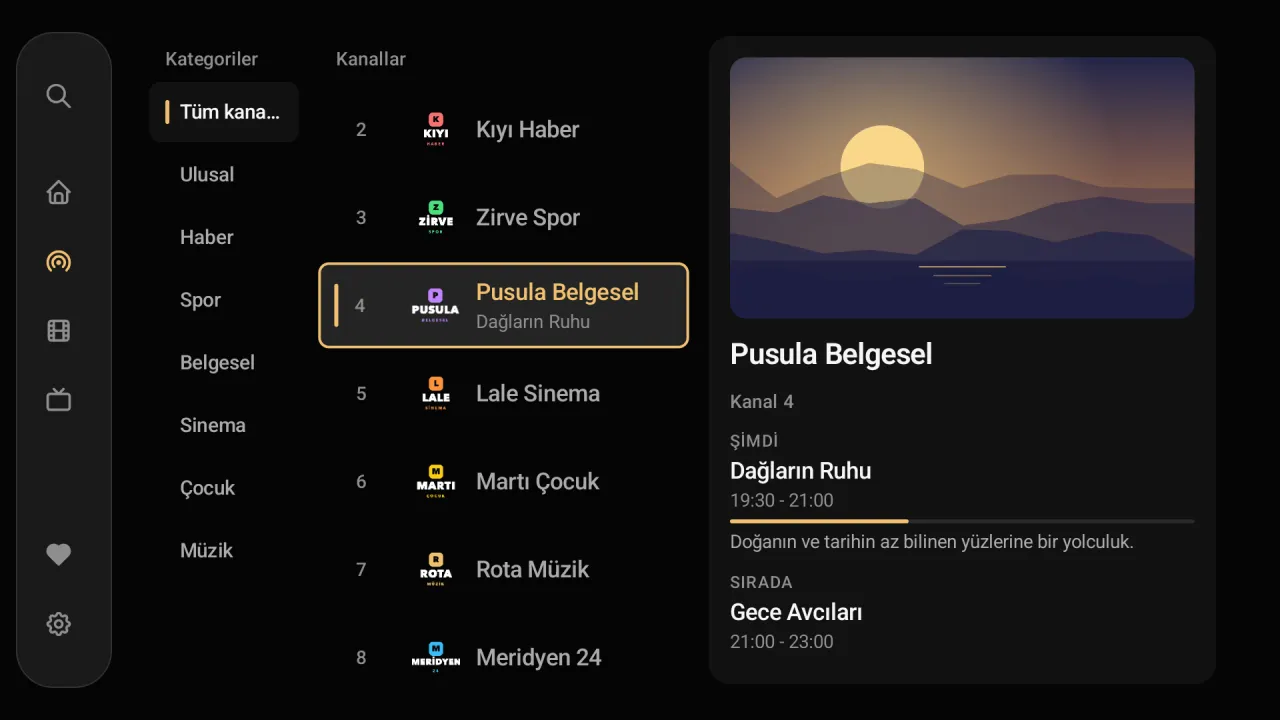
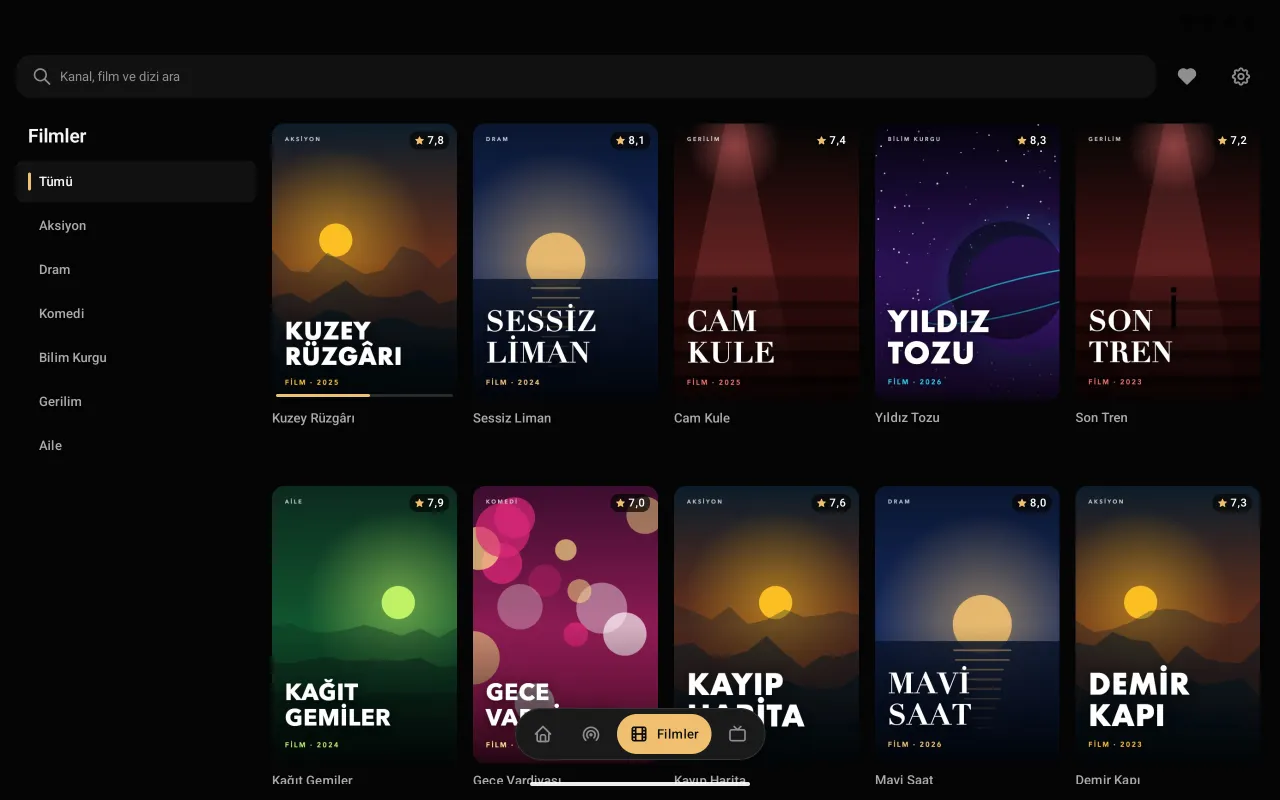
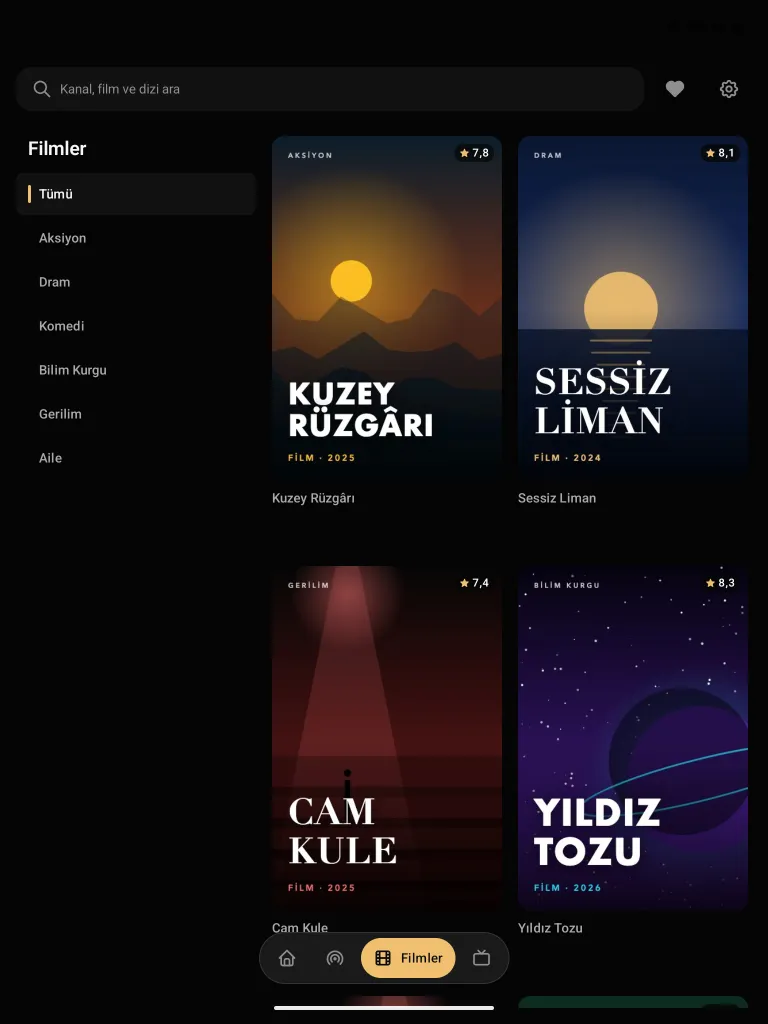
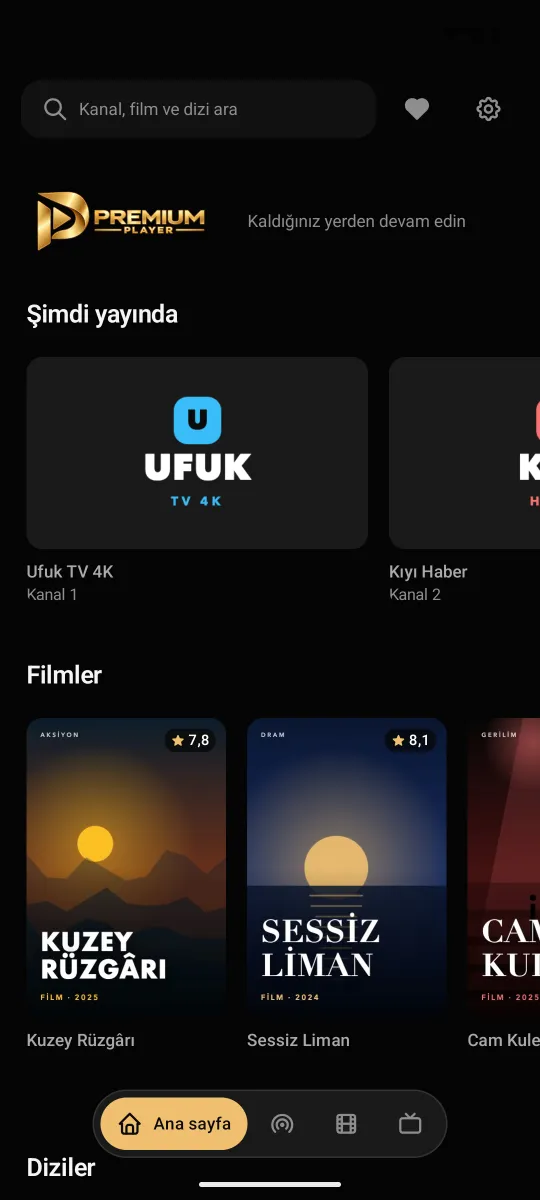
Android TV · Android · iPhone · iPad · Mac · Windows · Linux · Web
The same Premium Player on every screen.
With the remote on the TV, by touch on the phone, with the mouse on the computer. The menu and the player fit each screen; your channels, favourites and guide stay the same.
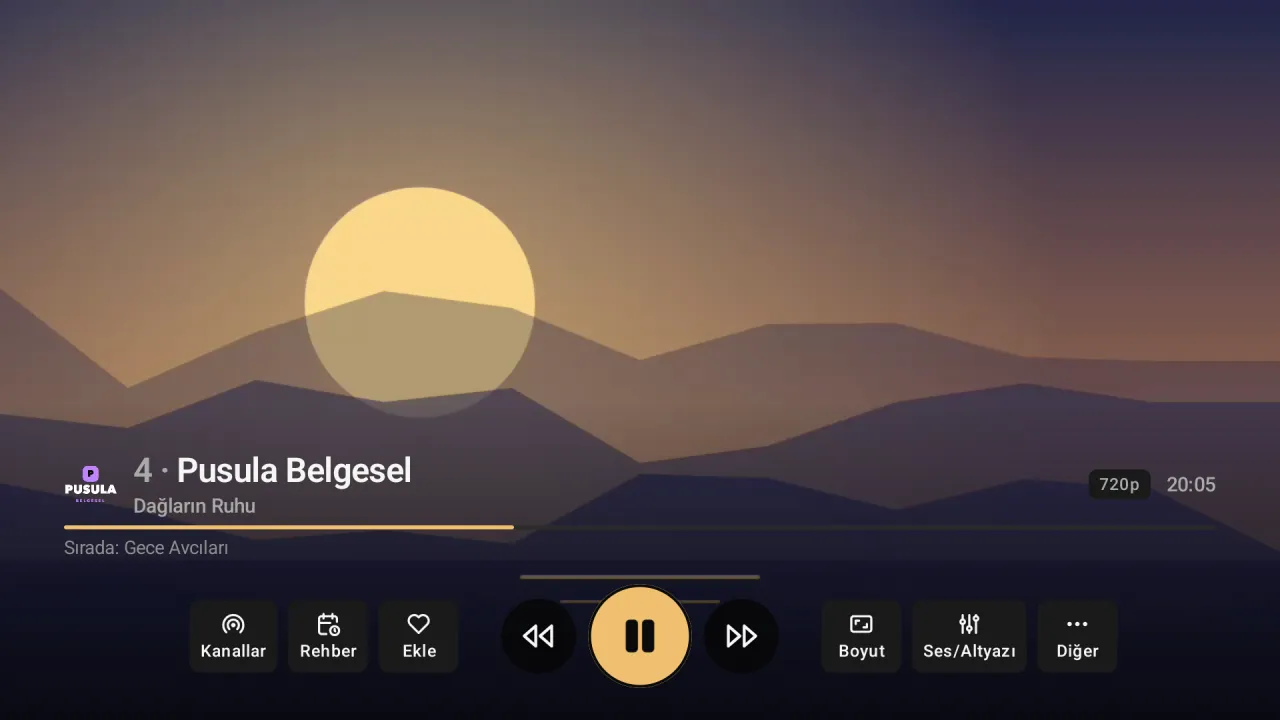
On the TV.
Live TV, the guide and a film and series catalogue on Android TV and Google TV, all with the remote. Press OK and the stream opens full screen.
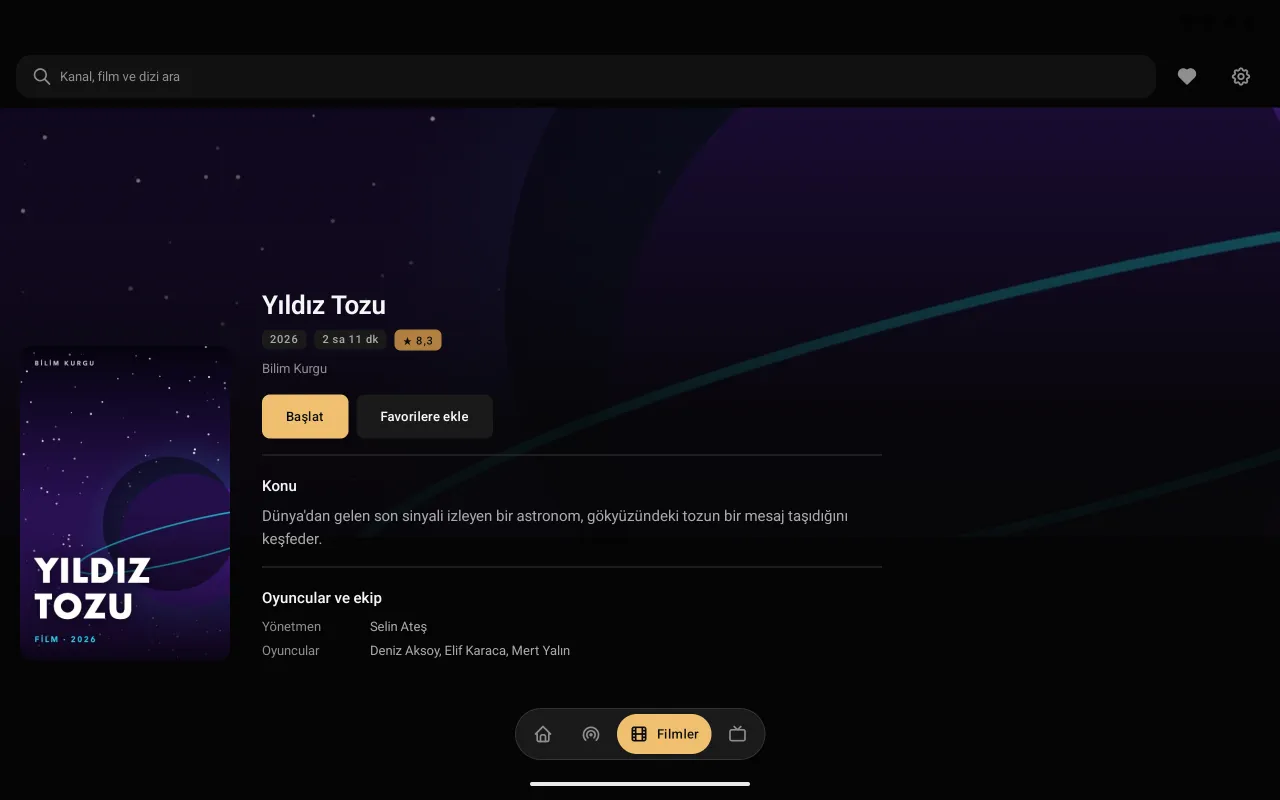
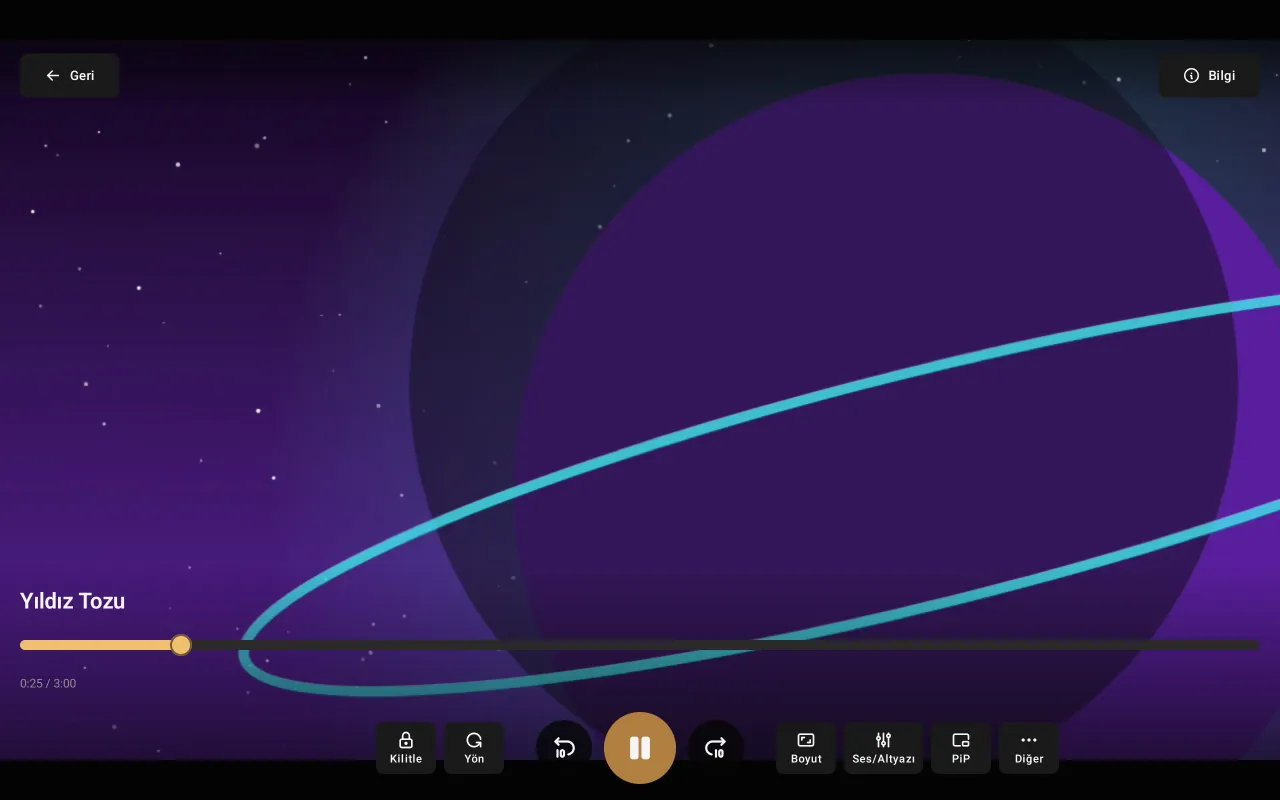
On the computer.
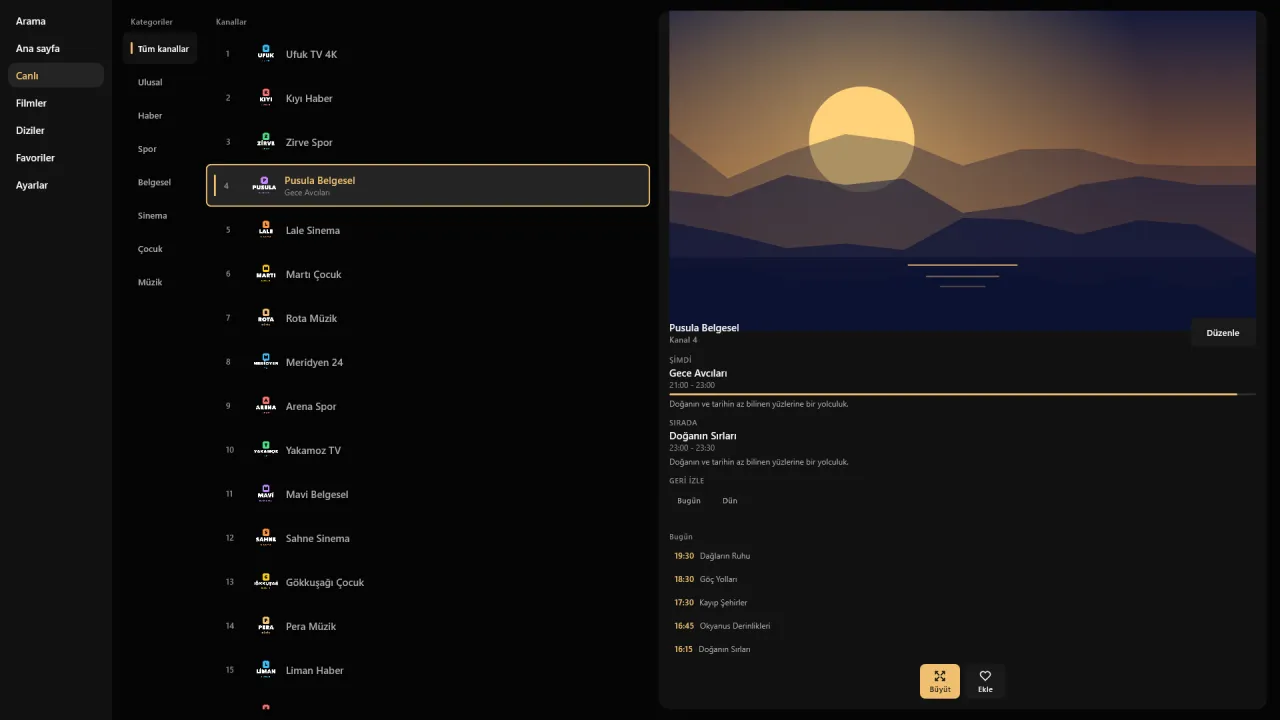
With mouse and keyboard on Mac, Windows and Linux; and in the browser with the web player that needs no installation. Click a poster, see the details, start the film.
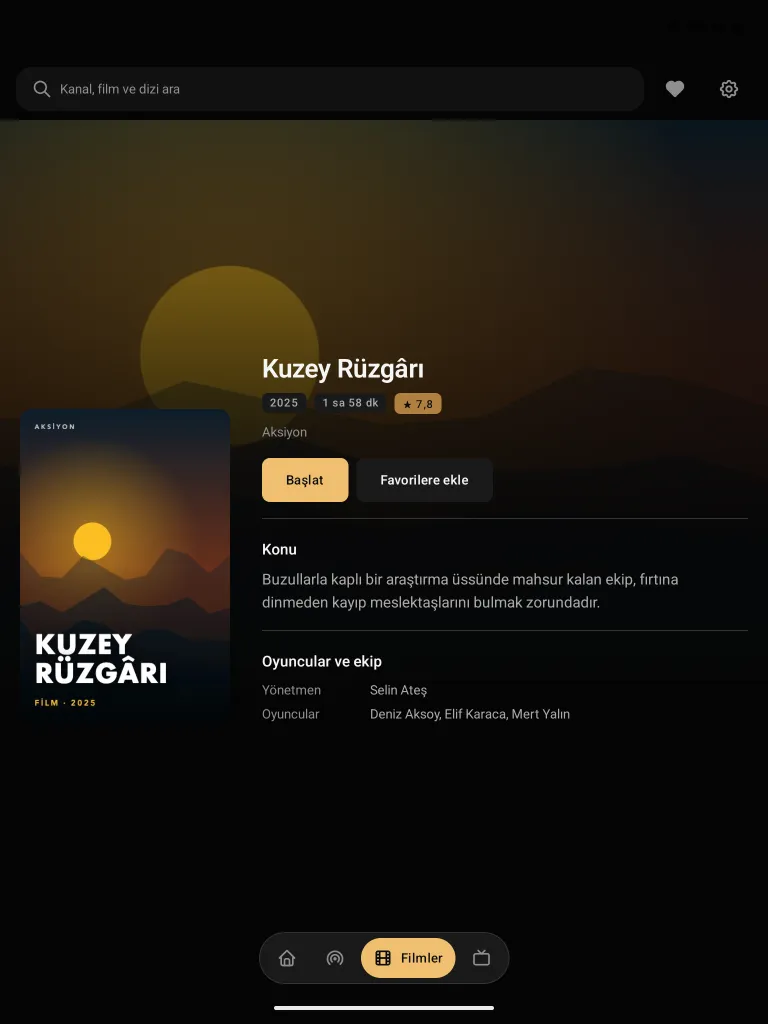
On the tablet.
A catalogue laid out for the big screen on iPad and Android tablets. Browse by touch; one tap from poster to details.
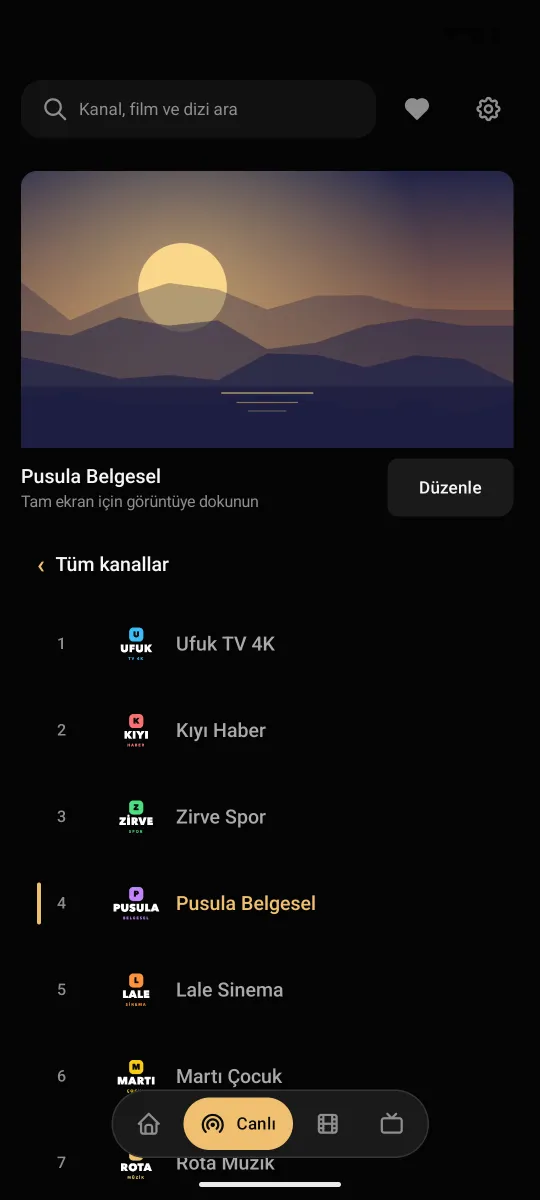
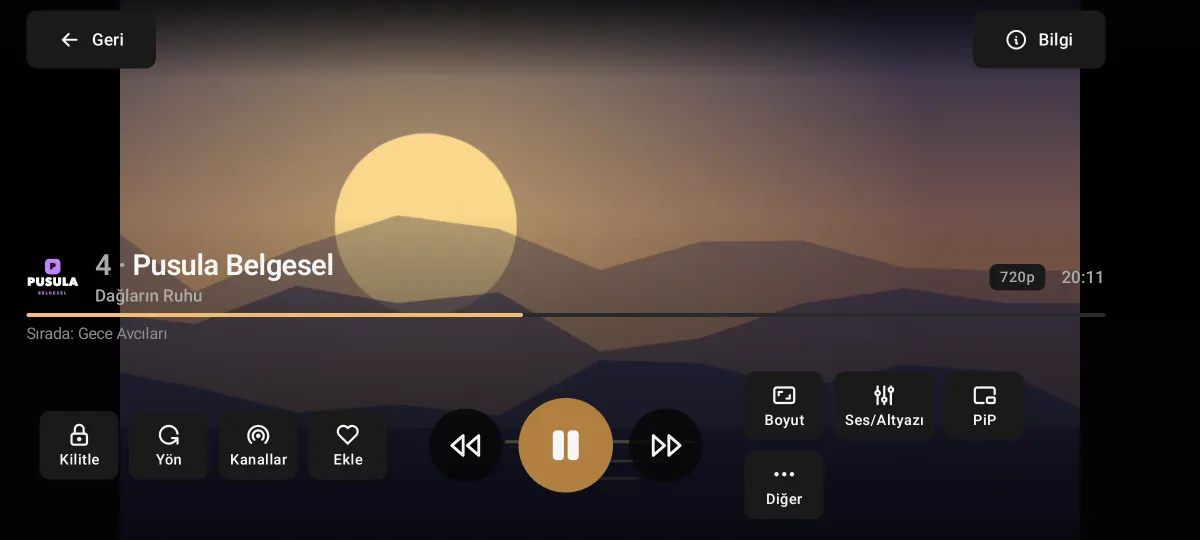
On the phone.
Watch with the list in portrait on iPhone and Android phones. Tap the picture, turn the phone, and the stream carries on full screen.
Features
Everything that turns your IPTV provider's list into a tidy, fast and easy-to-browse interface.
Live TV
- Live TV and categories
- Channels are sorted into categories; switch quickly with the remote or by channel number.
- TV guide (EPG) and reminders
- What is on now and next, the guide day by day; XMLTV or the provider's own guide. Set a reminder for a later programme and be told when it starts.
- Catch-up
- If your provider supports it, watch programmes you missed from the guide.
Films and series
- Poster catalogue
- Films and series with posters, plots, ratings and running times; filtered by genre and year.
- Continue watching
- Films and episodes you started wait for you on the home screen.
- Next episode
- When an episode ends, the next one starts by itself; switch seasons with one press.
Personal
- Favourites
- Add channels, films and series to your favourites; from all your sources in one list.
- Search everywhere
- Search runs across all the sources you added at once.
- Channel order
- Hide channels or sort them within their categories.
Player
- Audio and subtitles
- Choose the audio track and subtitles; adjust the subtitle delay.
- Speed, aspect ratio, sleep
- Playback speed, aspect ratio and the sleep timer in the player menu.
- Picture-in-picture
- On the phone the stream keeps playing in a small window while you switch apps; screen and rotation lock.
Sources
- Xtream Codes and M3U
- Set up in minutes with the Xtream Codes details from your provider or an M3U/M3U8 playlist.
- Several sources
- Add more than one provider or list; all in the same interface.
- Guide settings
- Fix the guide's time shift, match channels to the guide by hand.
Safety and quality
- Parental lock
- Lock the channels you choose with a PIN.
- 4K and HDR
- At the highest quality your device can play; warns you before a stream it cannot.
- In-app updates
- When a new version is out the app tells you, and the update is downloaded and installed from within the app.
Specifications
The lists, formats and platforms Premium Player supports.
| Platforms | Android TV, Google TV, Android phone and tablet, iPhone, iPad, Mac, Windows, Linux, Web |
|---|---|
| Playlist types | Xtream Codes API, M3U, M3U8 |
| TV guide | XMLTV and Xtream Codes guide; time shift and manual matching |
| Stream formats | HLS, MPEG-TS, MP4 and common video formats |
| Picture | The highest resolution the device supports: 4K, HDR |
| Audio and subtitles | Multiple audio tracks, multiple subtitles, subtitle delay |
| Interface language | Turkish, English and German |
| Account | Not needed; the app works without an account |
| Price | Free |
Download
Install Premium Player on every device you use. No account, free of charge. Versions, release dates and history: download page.
-
Android TV and Google TV
Smart TVs, TV boxes and TV sticks
Download
With Downloader via preplay.cc/apk (code: 4679692) · 0.9.9.8, 6,7 MB -
Android
Phones and tablets (Android 6.0 and later)
Download
APK file · 0.9.9.8, 6,7 MB -
iPhone and iPad
iOS and iPadOS
App Store
App Store -
Mac
macOS 13 and later, Apple Silicon (notarized by Apple)
Download
.dmg installer -
Windows
Windows 10 and 11 (64-bit)
.msi installerThe installer is not signed yet: if Windows says "unknown publisher", choose More info › Run anyway.
Download -
Linux
Ubuntu, Debian, Fedora, Mint (64 bit)
Download
AppImage, .deb or .rpm -
Web
Online IPTV player in the browser
Open
Nothing to install
Setup
It takes a few minutes. On first launch, choose "Add Xtream Codes" or "Add M3U playlist" and enter the details your provider gave you.
On the TV
- Install the Downloader app from Google Play (Amazon Appstore on Fire TV).
- Type
preplay.cc/apkor4679692in the code field in the address field and press Go. - When the download finishes, choose Install. If asked, allow Downloader to install unknown apps.
- Open Premium Player and enter your provider's details.
On phones and tablets
- Android: tap the download button and open the downloaded file; if asked, allow your browser to install apps.
- iPhone and iPad: the App Store version is on its way; for now, open the web player in Safari.
- Open the app and enter your provider's details.
On the computer
- Download for Mac, Windows or Linux.
- On Windows, run the .msi file; on a Mac, open the .dmg and drag Premium Player into Applications; on Linux, make the AppImage executable or install the .deb. Then open Premium Player.
- Enter your Xtream Codes details or your M3U address.
In the browser
- Open the Online IPTV Player; nothing to install.
- Enter your Xtream Codes details or your M3U address.
- Live TV, the guide, films and series in your browser.
Frequently asked questions
What is Premium Player?
Premium Player is a free IPTV player for Android TV, phones, tablets, iPhone, iPad, Mac, Windows, Linux and the web browser. It opens the Xtream Codes details or M3U list from your IPTV provider in an interface with live TV, a TV guide and a film and series catalogue, easy to browse with the remote.
Does Premium Player include channels or content?
No. Premium Player is only a player; it contains and sells no channels, films or series. To watch, you add the details from your own IPTV provider. Your provider is responsible for what is broadcast.
Is Premium Player paid?
No, Premium Player is free and needs no account. What you pay for the streaming service is between you and your IPTV provider.
Which devices does it run on?
Android TV and Google TV televisions, TV boxes, Android phones and tablets (Android 6.0 and later), iPhone and iPad, Mac (Apple Silicon, macOS 13 and later), Windows, Linux (Ubuntu included) and in the browser as an online IPTV player.
How do I install it on Android TV?
On the TV, install the Downloader app from Google Play, type preplay.cc/apk (or the code 4679692) and press Go; when the download finishes, choose Install. If asked, allow Downloader to install unknown apps.
Where do I enter my Xtream Codes details?
On first launch choose "Add Xtream Codes" and enter the server address, username and password from your provider. If you have an M3U list, enter its address under "Add M3U playlist". You can also add an XMLTV address for the guide.
What is an online IPTV player?
An IPTV player that runs in the web browser with nothing to install. The web version of Premium Player opens your Xtream Codes or M3U list in Chrome, Safari, Edge or Firefox. Online IPTV Player
I have no IPTV list yet. Can I try it first?
Yes. In every app (TV, phone, tablet, Windows, Mac) and in the web player, "Take a look first" opens a demo list with made-up channels, films and series; you don't enter anything. You see the interface, the guide and the player, and add your own list later.
Does it play 4K and HDR streams?
Yes, if your device supports them. Premium Player knows the highest resolution your device can play; before a 4K stream it cannot, it warns you and offers the HD version if there is one.
Can I add more than one IPTV list?
Yes. Add as many Xtream Codes sources and M3U lists as you like; search and favourites work across all of them.
How is it updated?
When a new version is out, the app tells you and installs the update itself. The latest version is always on this website too.
Where does my data go?
Your password never reaches our server; the one exception is adding a list to the TV from your phone (the details travel encrypted and are deleted as soon as they are collected). Usage data is recorded only with your consent, for support and service quality; it is not sold and not used for advertising. Privacy policy (Turkish)
Where should I download the app from?
Only from preplay.cc or from the official Premium Player page in the app stores. Copies on other websites may have been altered.