
The IPTV player for Windows
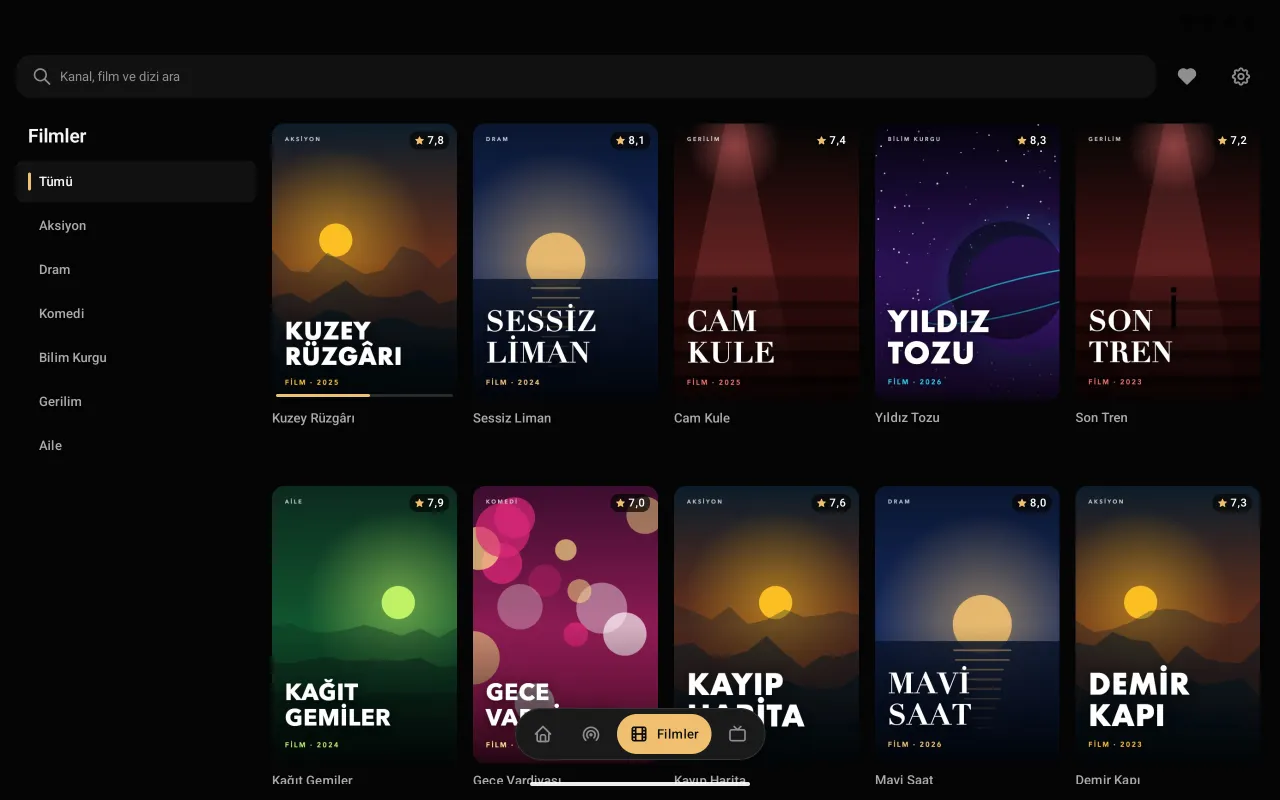
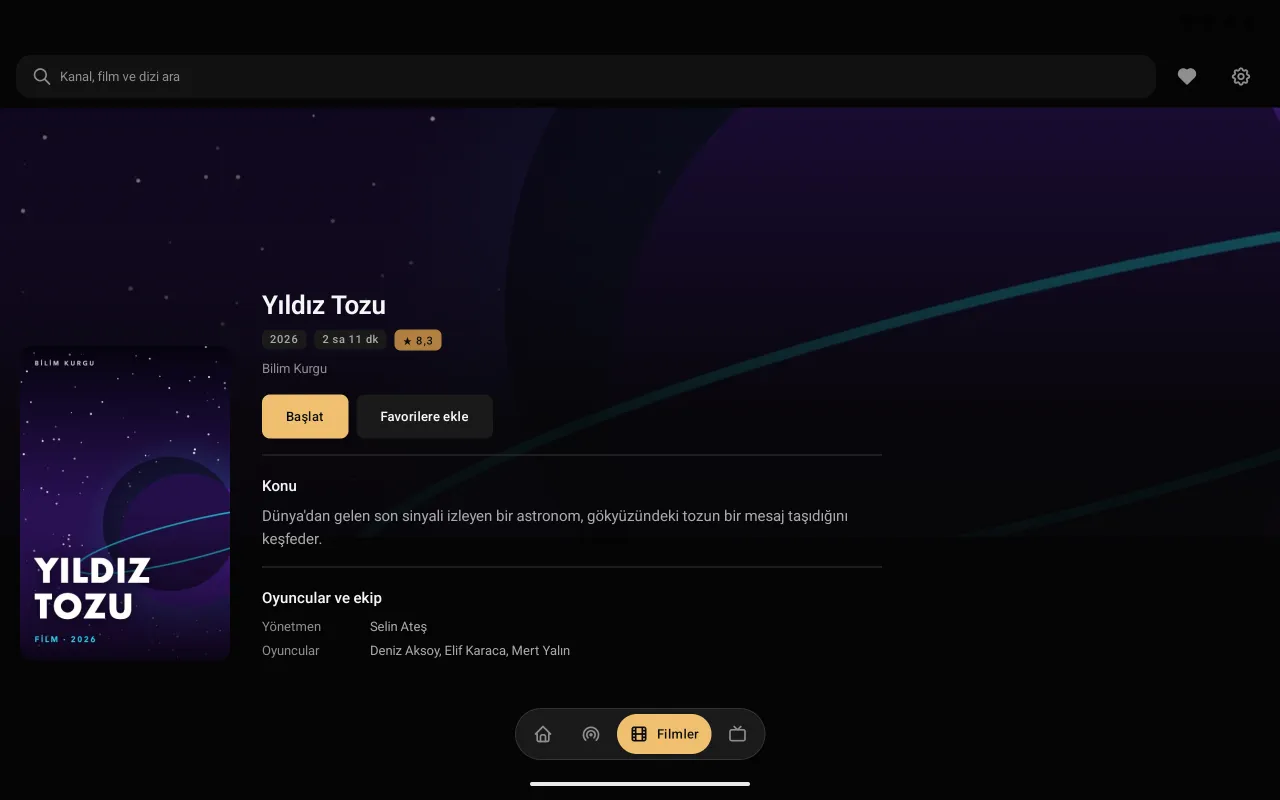
The Premium Player Windows app opens your IPTV list on your computer in an interface made for mouse and keyboard: live TV, a TV guide and a film and series catalogue, with wide format support.
Windows · Version 0.9.9.8 · 125 MB
Premium Player for Windows
It opens your IPTV provider's list in a tidy, fast and easy-to-browse interface.
- Mouse and keyboard
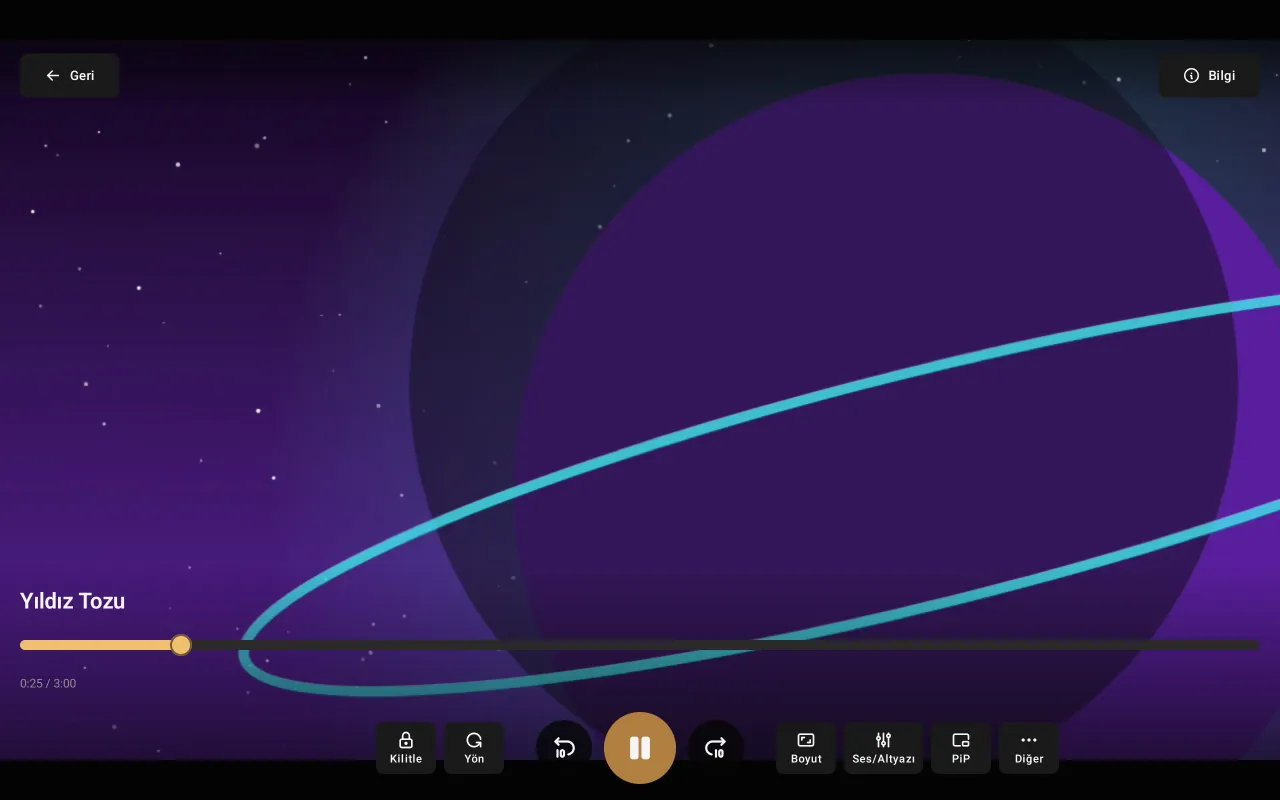
- Click a poster, see the details, start the film; switch channels from the keyboard.
- Small window (PiP)
- A small player window that stays on top; it opens by itself when you minimise the app.
- Live TV and guide
- Categories, the channel list and the TV guide day by day; reminders for later programmes.
- Films and series
- Poster catalogue, continue watching, next episode.
- Media keys
- The keyboard's media keys work, and Windows' media panel shows the channel that is playing.
- Updates itself
- When a new version is out the app tells you, checks the installer and installs it.
Setup
Download
Download the .msi installer with the button on this page.
Install
Run the .msi file. If Windows says "unknown publisher", choose More info › Run anyway.
Add your list
Open Premium Player and enter your Xtream Codes details or your M3U address.
Frequently asked questions
Which Windows versions are supported?
The 64-bit (x64) editions of Windows 10 and Windows 11. Nothing else, not even Java, needs installing.
Why does Windows say "unknown publisher"?
The installer is not code-signed yet. Download it only from preplay.cc; you can compare it with the SHA-256 value on the download page. Install it with More info › Run anyway.
Can I use it without installing?
Yes: the same interface is in the browser too, in the web player that needs no installation.
Is it paid?
No, Premium Player is free and needs no account.
On other devices
Premium Player is only a player; it contains and sells no channels, films or series. You add the details from your own IPTV provider.