
- Home
- Online IPTV Player
Online IPTV Player: IPTV in your browser
Premium Player Web is a free online IPTV player that opens your Xtream Codes or M3U list in Chrome, Safari, Edge and Firefox. Nothing to install: live TV, the TV guide, films and series in your browser.
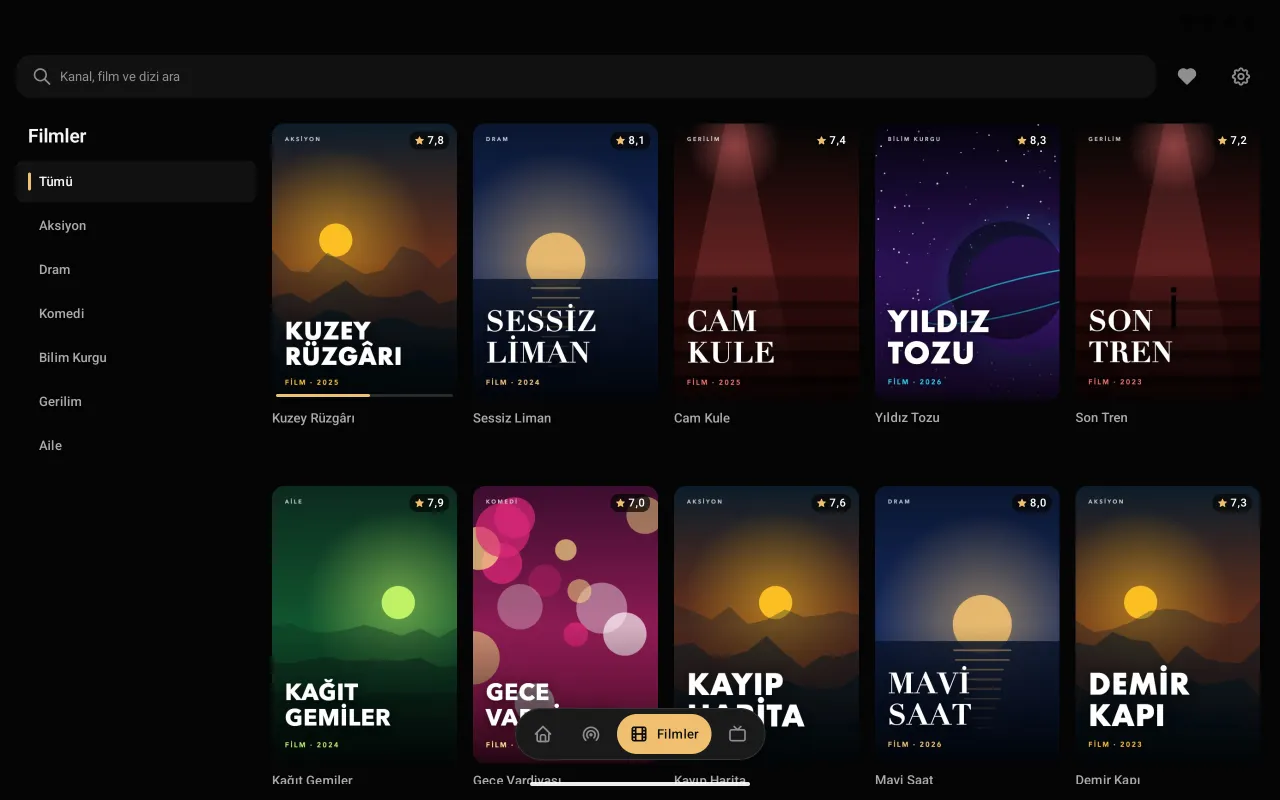
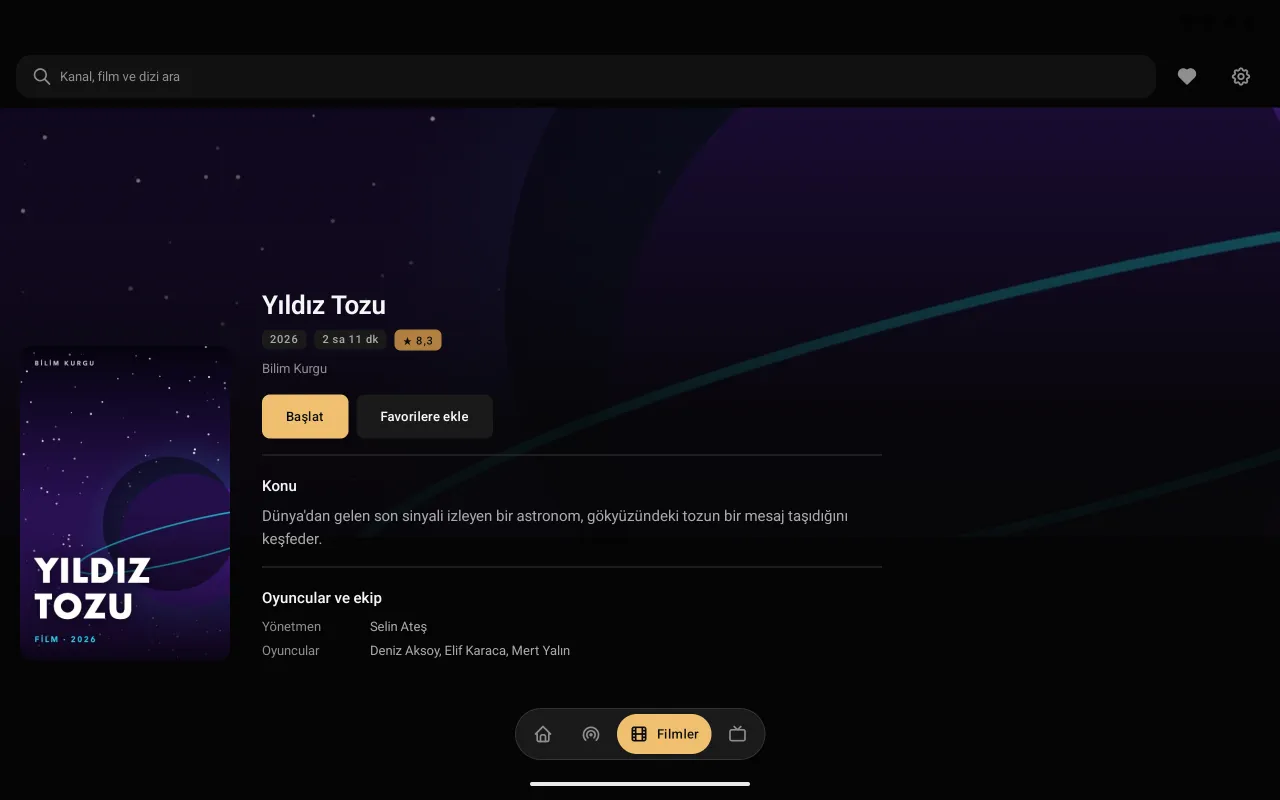
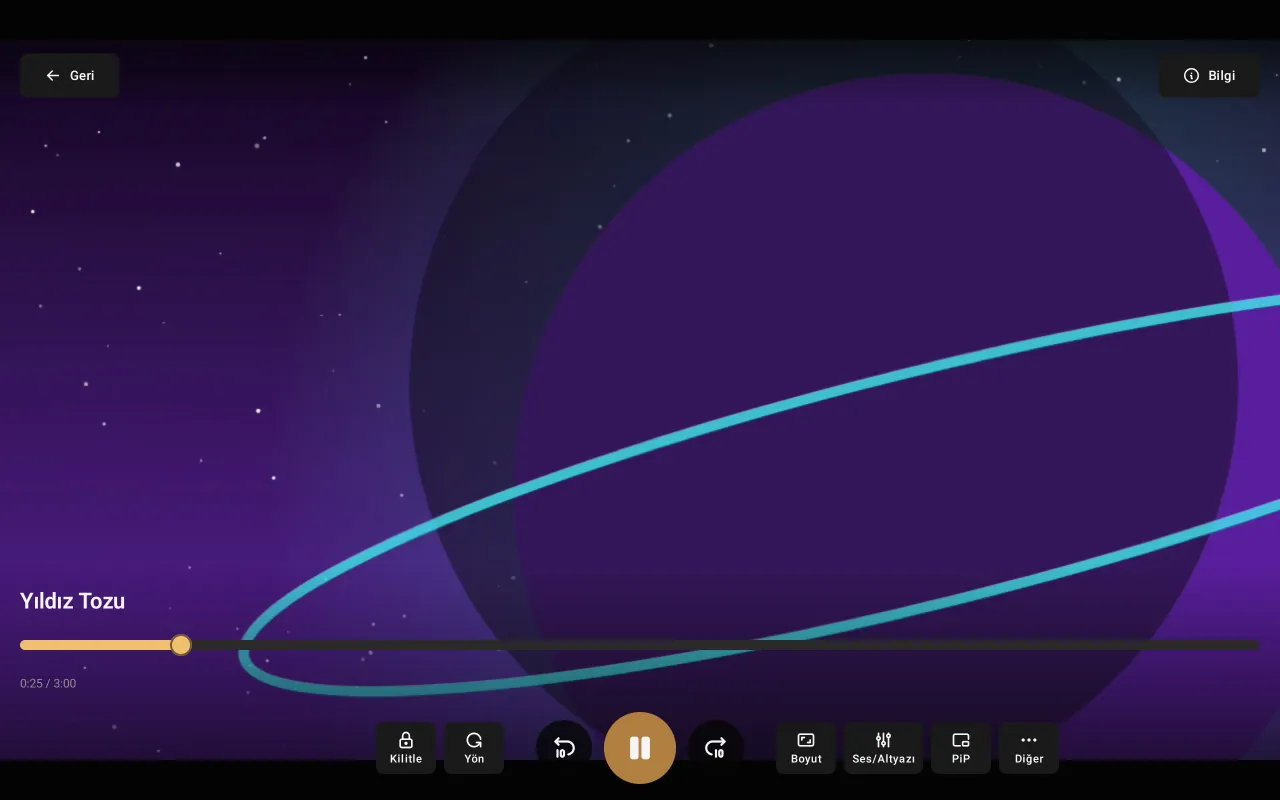
Why Premium Player Web?
Watch your IPTV list with the same interface as the apps, without installing anything.
- Nothing to install
- Opens in the browser; no download, no installation, no updates.
- On every device
- Windows, Mac, Linux and Chromebook; on phones and tablets too. Add it to the home screen like an app.
- Live TV and guide
- Channels, categories and the TV guide day by day.
- Films and series
- Poster catalogue, continue watching, next episode.
- Xtream Codes and M3U
- Opens with your provider's details or an M3U address.
- Just like the apps
- The interface and features of the Premium Player apps, in the browser.
How it works
Open it
Open the web player in your browser; nothing to install.
Add your list
Choose "Add Xtream Codes" and enter your provider's details, or "Add M3U playlist" and enter its address.
Watch
Live TV, the TV guide, films and series; favourites and continue watching.
Frequently asked questions
What is an online IPTV player?
An IPTV player that runs in the web browser with nothing to install. Premium Player Web opens your Xtream Codes details or M3U list in the browser with live TV, the TV guide and a film and series catalogue.
Do I need to install anything?
No. Premium Player Web opens in the browser; no download, no installation.
Which browsers does it run in?
Current versions of Chrome, Safari, Edge and Firefox; on Windows, Mac, Linux and Chromebook computers, and on phones and tablets. Because your lists are kept in the browser's own storage, it does not work in a private window.
Does every IPTV provider open in the browser?
Most do. Some providers do not allow connections from a browser; Premium Player Web notices this and tells you. In that case add the same details to the Premium Player app (Android, Windows, Mac), where there is no such limit.
Can I try it without a list?
Yes. In the web player, "Take a look first" opens a demo list with made-up channels, films and series; you don't enter anything.
Are Xtream Codes and M3U supported?
Yes. Xtream Codes with your provider's server address, username and password; M3U or M3U8 lists by their address.
Is the online IPTV player paid?
No, Premium Player Web is free. What you pay for the streaming service is between you and your IPTV provider.
What is the difference between the app and the web player?
The interface and features are the same. The apps add what only a device can do: the remote on the TV, picture-in-picture on the phone. The web player, in turn, runs without installing anything.