
The IPTV player for Mac
The Premium Player Mac app opens your IPTV list on macOS with live TV, a TV guide and a film and series catalogue. It is notarized by Apple and also responds to the keyboard's media keys and Control Center.
Mac · Version 0.9.9.8 · 128 MB
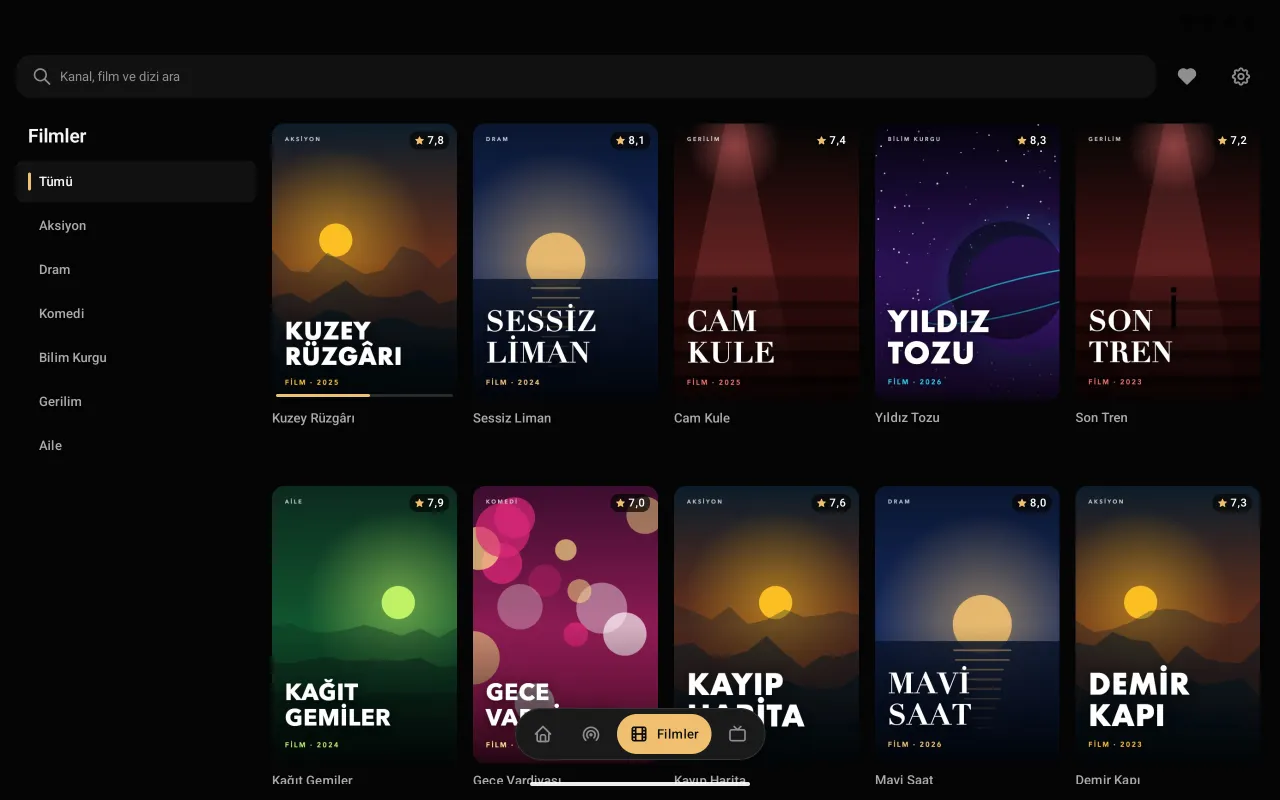
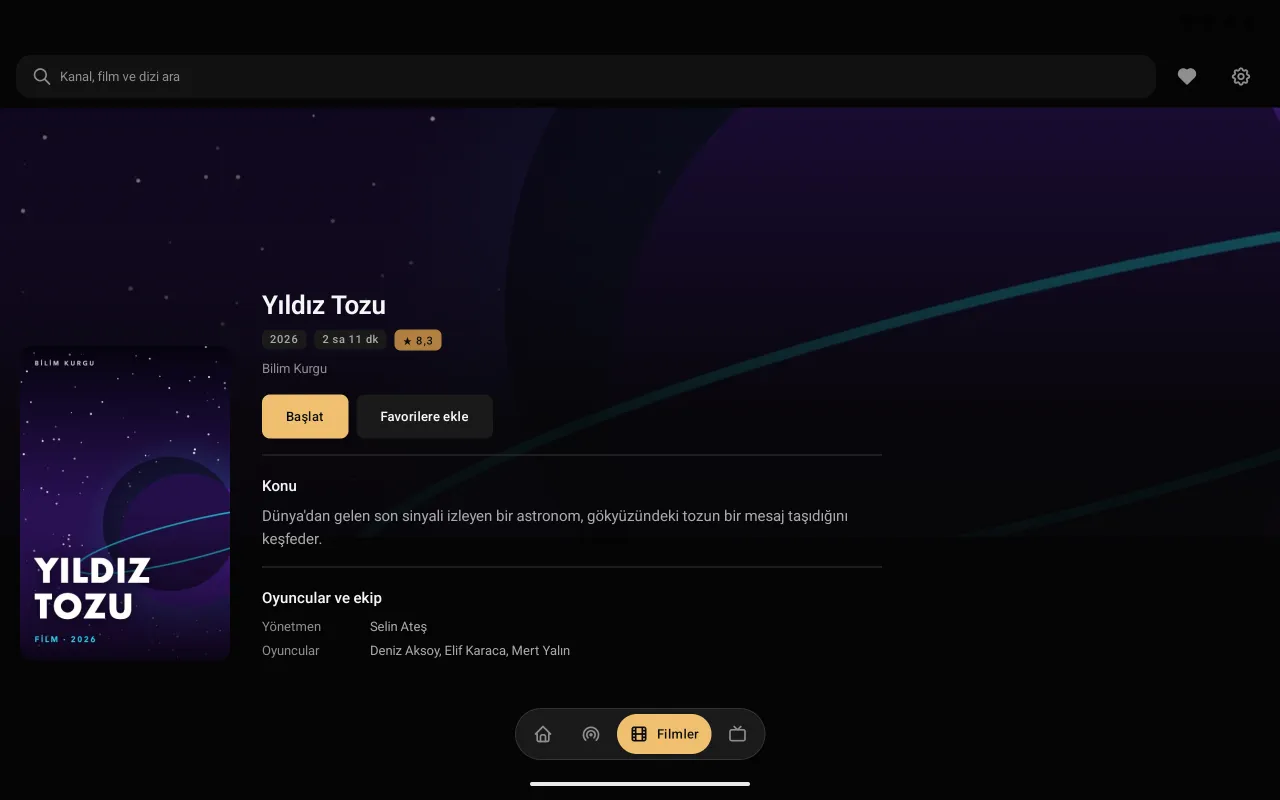
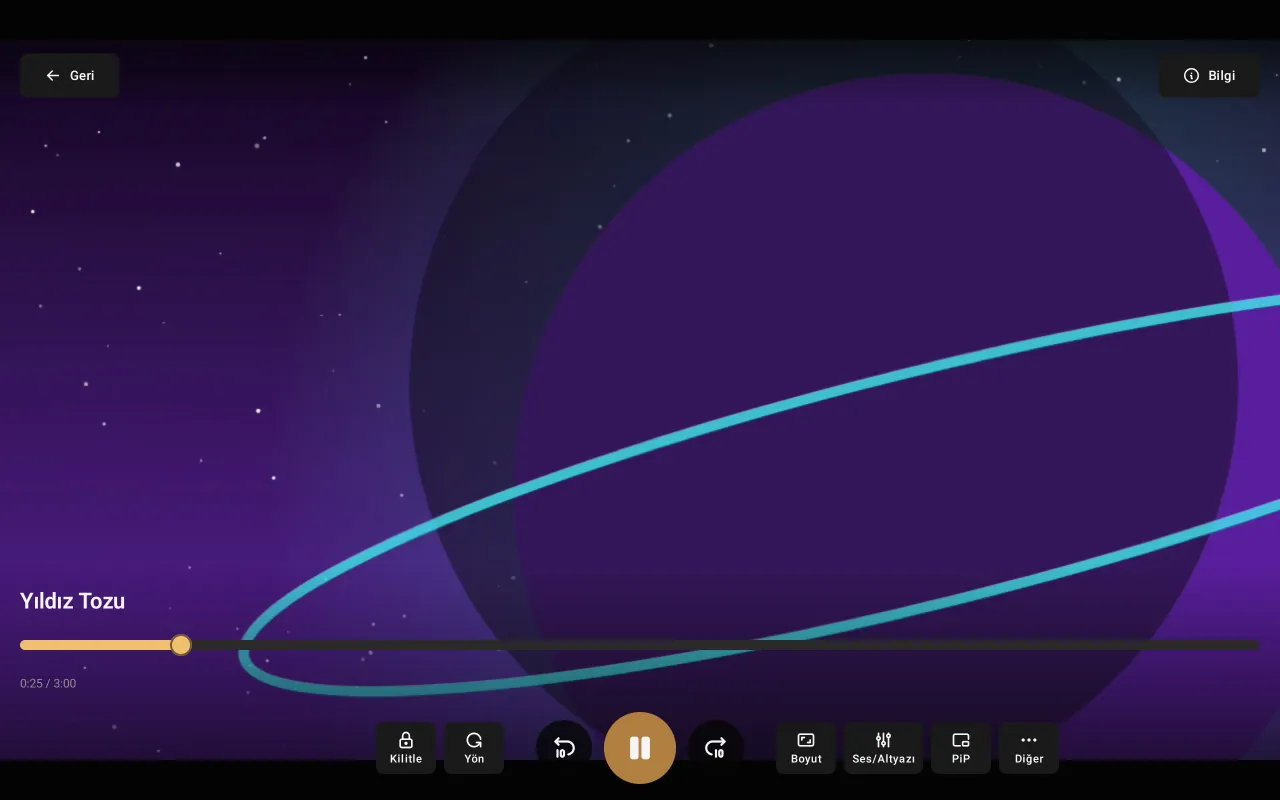
Premium Player for Mac
It opens your IPTV provider's list in a tidy, fast and easy-to-browse interface.
- Notarized by Apple
- The app has passed Apple's check (notarized); macOS does not block the installation.
- Media keys
- The keyboard's play/pause keys and the playback controls in Control Center work.
- Live TV and guide
- Categories, the channel list and the TV guide day by day; reminders for later programmes.
- Films and series
- Poster catalogue, continue watching, next episode.
- Small window (PiP)
- A small player window that stays on top, and a mini player.
- Updates itself
- When a new version is out, the app tells you.
Setup
Download
Download the .dmg file with the button on this page.
Install
Open the .dmg file and drag Premium Player into the Applications folder.
Add your list
Open Premium Player and enter your Xtream Codes details or your M3U address.
Frequently asked questions
Is it on the Mac App Store?
For now you download Premium Player from preplay.cc as a .dmg; it is notarized by Apple. The store version is on its way.
Which Macs does it run on?
Macs with Apple Silicon (M1 and later) running macOS 13 Ventura or later. Intel Macs are not supported; on them you can use the web player in Safari.
Do the keyboard's media keys work?
Yes. The play/pause keys and the playback controls in Control Center operate Premium Player.
Can I use it without installing?
Yes: the same interface is in Safari too, in the web player that needs no installation.
Is it paid?
No, Premium Player is free and needs no account.
On other devices
Premium Player is only a player; it contains and sells no channels, films or series. You add the details from your own IPTV provider.