
The IPTV player for Android TV and Fire TV
Premium Player is a free IPTV player made for browsing with the remote. On Android TV, Google TV, Fire TV and TV boxes it opens your Xtream Codes or M3U list with live TV, a TV guide and a film and series catalogue.
Android · Version 0.9.9.8 · 6,7 MB
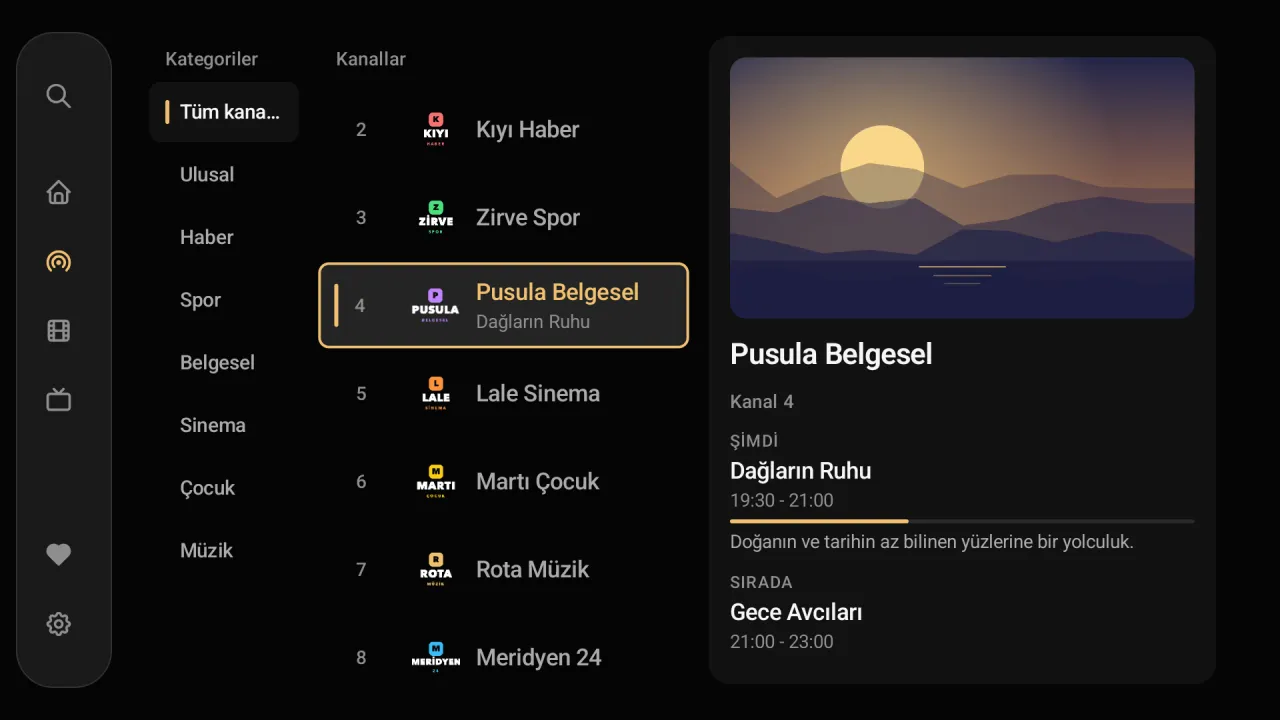
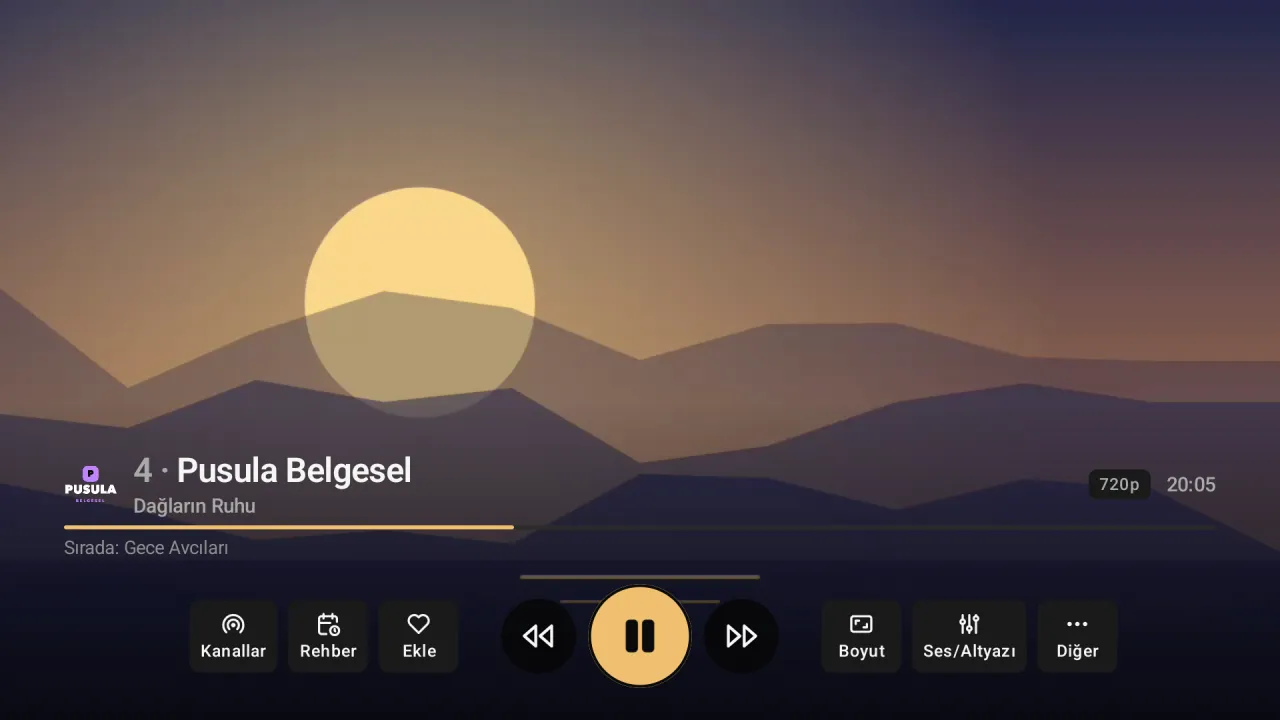
Premium Player for Android TV and Google TV
It opens your IPTV provider's list in a tidy, fast and easy-to-browse interface.
- Made for the remote
- Every screen works with the arrow keys and OK; type a channel number to jump straight to it.
- TV guide and reminders
- A day-by-day programme grid; set a reminder for a later programme and be told when it starts.
- Add your list from the phone
- No typing long addresses and passwords with the remote: scan the QR code on the TV and send the list from your phone.
- Films and series
- Poster catalogue, continue watching, and the next episode starts by itself.
- 4K and HDR
- At the highest quality your device can play; warns you before a stream it cannot.
- Parental lock
- Lock the channels you choose with a PIN.
Setup
Install Downloader
From the TV's store (Amazon Appstore on Fire TV, Google Play on Android TV), install the Downloader app and open it.
Enter the address
Type preplay.cc/apk (or the code 4679692) in the address field and press Go.
Install
When the download finishes, choose Install. If asked, allow Downloader to install unknown apps.
Add your list
Open Premium Player and choose "Add Xtream Codes" or "Add M3U playlist"; or send it from your phone with "Add with phone (QR)".
Frequently asked questions
Does it work on a Fire TV Stick?
Yes. It is installed with Downloader on Fire TV, Fire TV Stick and Fire TV Cube; the remote's arrow keys, OK, Back and playback keys all work.
Does it work on a Samsung or LG TV?
Samsung (Tizen) and LG (webOS) TVs are not Android, so the Android app cannot be installed on them. Use it with an Android TV box or a Fire TV Stick connected to such a TV.
Do I have to type long Xtream details with the remote?
No. Choose "Add with phone (QR)"; the TV shows a QR code, you scan it and type the details on your phone.
How is it updated?
When a new version is out, the app tells you and downloads and installs the update itself.
On other devices
Premium Player is only a player; it contains and sells no channels, films or series. You add the details from your own IPTV provider.