
The IPTV player for Linux
The Premium Player Linux app opens your IPTV list with live TV, a TV guide and a film and series catalogue. The AppImage runs on any distribution and updates itself; the .deb is for Ubuntu, Debian and Mint, the .rpm for Fedora and openSUSE.
Linux · Version 0.9.9.8 · 119 MB
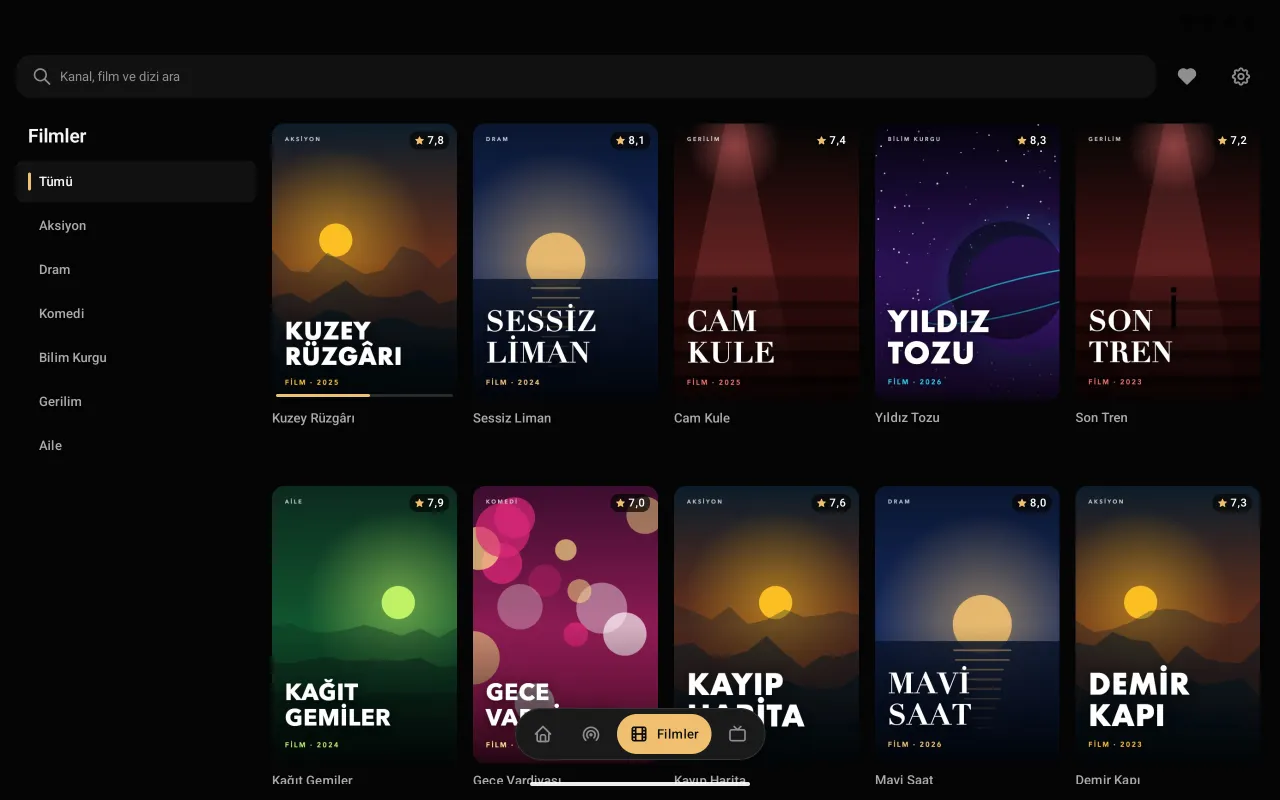
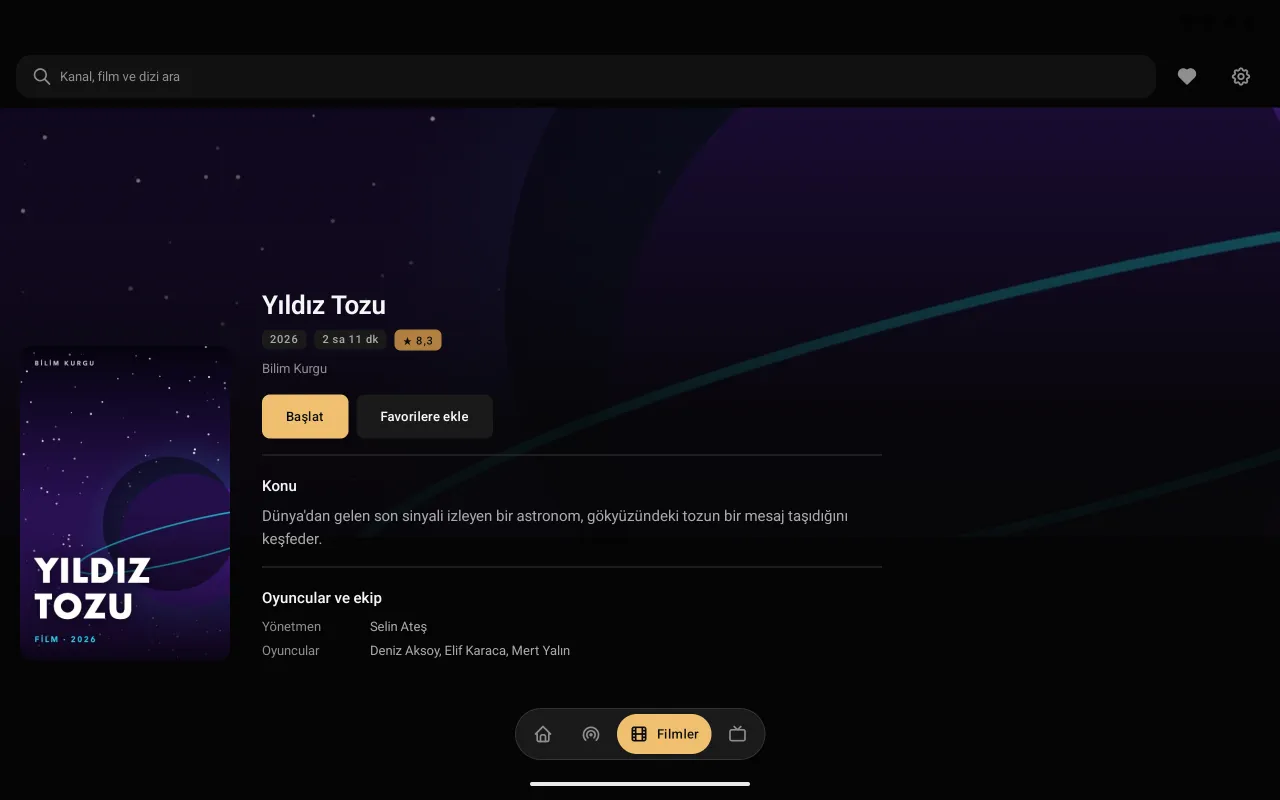
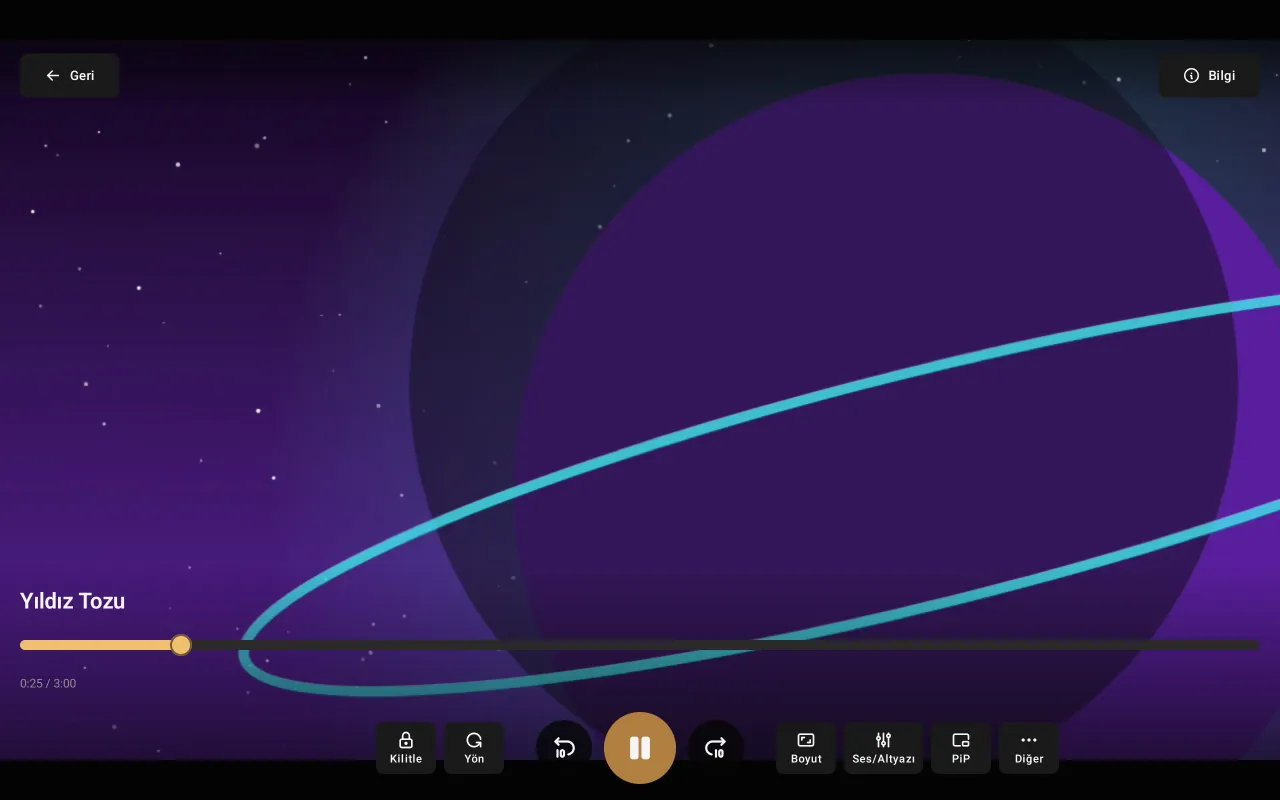
Premium Player for Linux
It opens your IPTV provider's list in a tidy, fast and easy-to-browse interface.
- AppImage, .deb or .rpm
- The AppImage runs on any distribution without installing; the .deb and .rpm install with your package manager.
- Updates itself
- The AppImage tells you about a new version, checks the file and updates itself.
- Live TV and guide
- Categories, the channel list and the TV guide day by day; reminders for later programmes.
- Films and series
- Poster catalogue, continue watching, next episode.
- Media keys
- The keyboard's media keys work, and the desktop's "now playing" card shows the channel.
- Passwords in your keyring
- Your IPTV password is stored in the system keyring (GNOME Keyring, KWallet).
Setup
Download
Download the AppImage with the button on this page, or the .deb or .rpm package from the download page.
Install
AppImage: make the file executable (chmod +x) and open it. .deb: sudo apt install ./premium-player-…-linux-amd64.deb. .rpm: sudo dnf install ./premium-player-…-linux-x86_64.rpm
Add your list
Open Premium Player and enter your Xtream Codes details or your M3U address.
Frequently asked questions
Which Linux distributions are supported?
64-bit (x86_64) Ubuntu 22.04 and later, Debian 12 and later, Linux Mint 21 and later, Fedora 36 and later (glibc 2.35+). Sound needs PulseAudio or PipeWire.
AppImage, .deb or .rpm?
The AppImage runs on any distribution and updates itself from within the app. The .deb installs with the package manager on Ubuntu, Debian and Mint, the .rpm on Fedora and openSUSE; you download their new versions from this page.
The AppImage won't start. What should I do?
Make the file executable (chmod +x). If your system has no FUSE, install the libfuse2 package or run the file with --appimage-extract-and-run.
Is it paid?
No, Premium Player is free and needs no account.
On other devices
Premium Player is only a player; it contains and sells no channels, films or series. You add the details from your own IPTV provider.